Setup D Link Router As Access Point For High Speed
If you have a D-Link router at home that you're no longer using as your primary router, you can turn it into an access point to extend your Wi-Fi network coverage. Here's how to do it in a few simple steps.
Step 1: Connect the D-Link Router
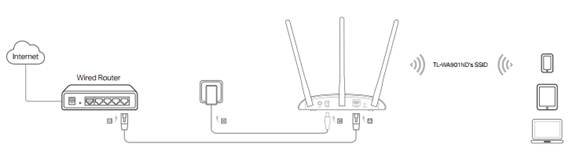
Connect the D-Link router you want to turn into an access point to your computer using an Ethernet cable. This will allow you to access the router's configuration page and change its settings to function as an access point.
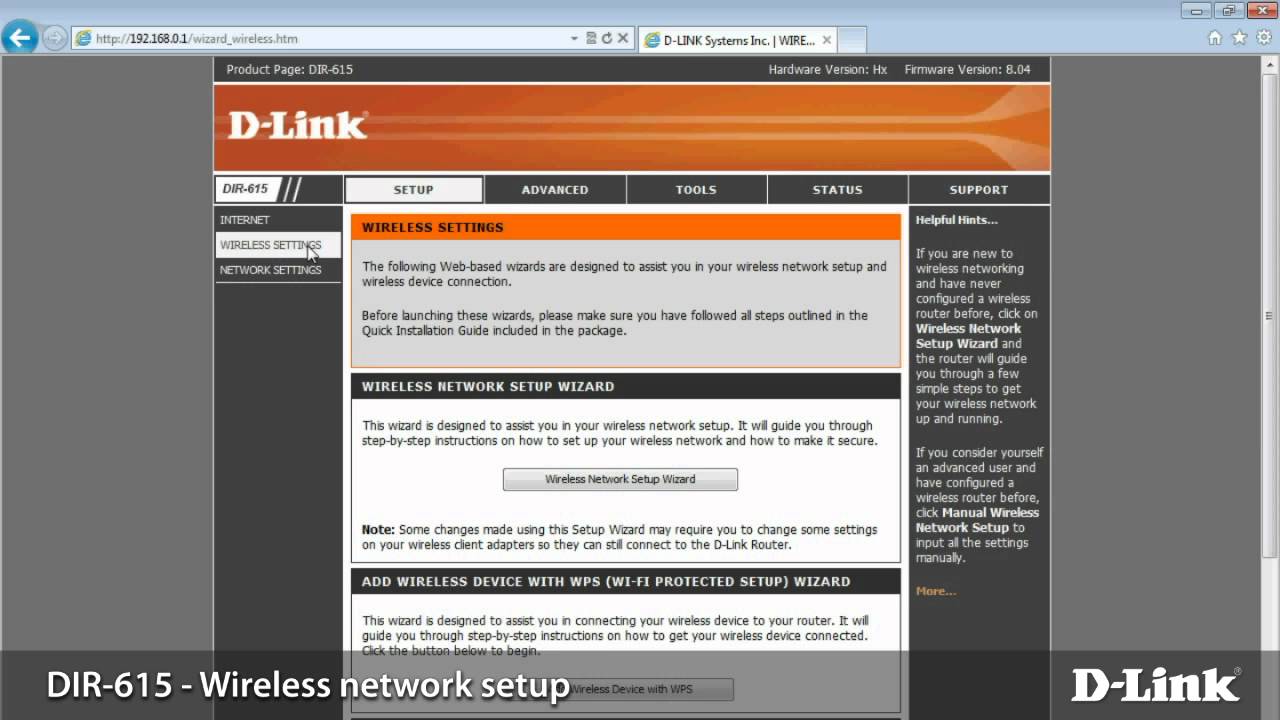
Step 2: Access the Router's Configuration Page
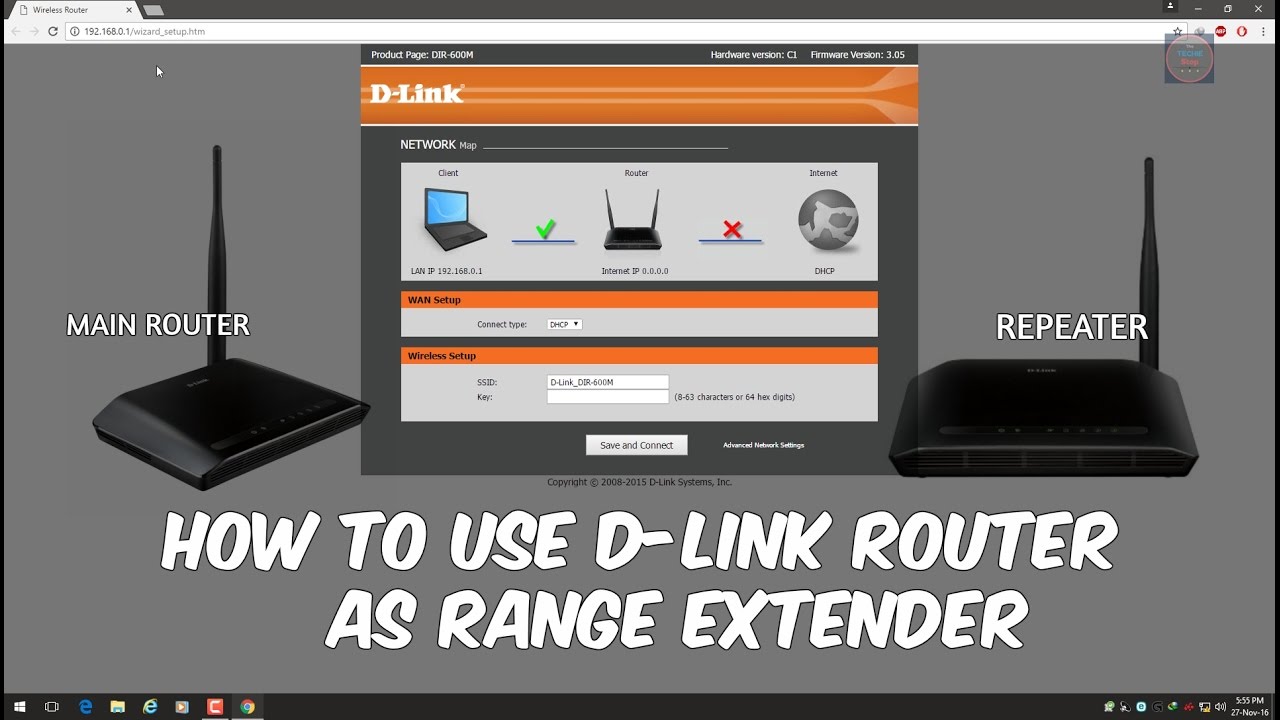
Connect a computer to the D-Link router and launch a web browser. Visit the following router configuration page: http://192.168.0.1. You will be prompted to enter the router's admin username and password.
Step 3: Change the Router's Settings
Once you access the router's configuration page, you will need to change its settings to function as an access point. Look for the "Operating Mode" or "Device Mode" section and select "Access Point" or "Wireless Access Point" from the dropdown menu.
Step 4: Configure the Access Point Settings
Configure the access point settings as needed. This may include specifying the correct IP address, subnet mask, and DNS server settings for the access point to connect to the main router.
Step 5: Test the Access Point

Once you have changed the router's settings to function as an access point, test it by connecting a device to the access point using Wi-Fi. You should be able to access the internet and connect to your network without any issues.
Benefits of Setting Up a D-Link Router As Access Point
Setting up a D-Link router as an access point offers several benefits, including:
- Extended Wi-Fi network coverage
- Increased Wi-Fi speed and range
- Improved network reliability and stability
- Easy setup and configuration
Conclusion
Setting up a D-Link router as an access point is a simple and effective way to extend your Wi-Fi network coverage and improve your network's overall performance. By following the steps outlined above, you can turn your old D-Link router into a high-speed access point and enjoy reliable and fast Wi-Fi connectivity throughout your home or office.
Additional Tips and Resources
For additional tips and resources on setting up a D-Link router as an access point, check out the following:
- D-Link's official web site for setup instructions and user manuals
- Online forums and communities for D-Link router users and enthusiasts
- YouTube videos and tutorials on setting up a D-Link router as an access point




6.0-B_large_1578293078120u.jpg "Setup Tenda Router As Extender - Instagram")