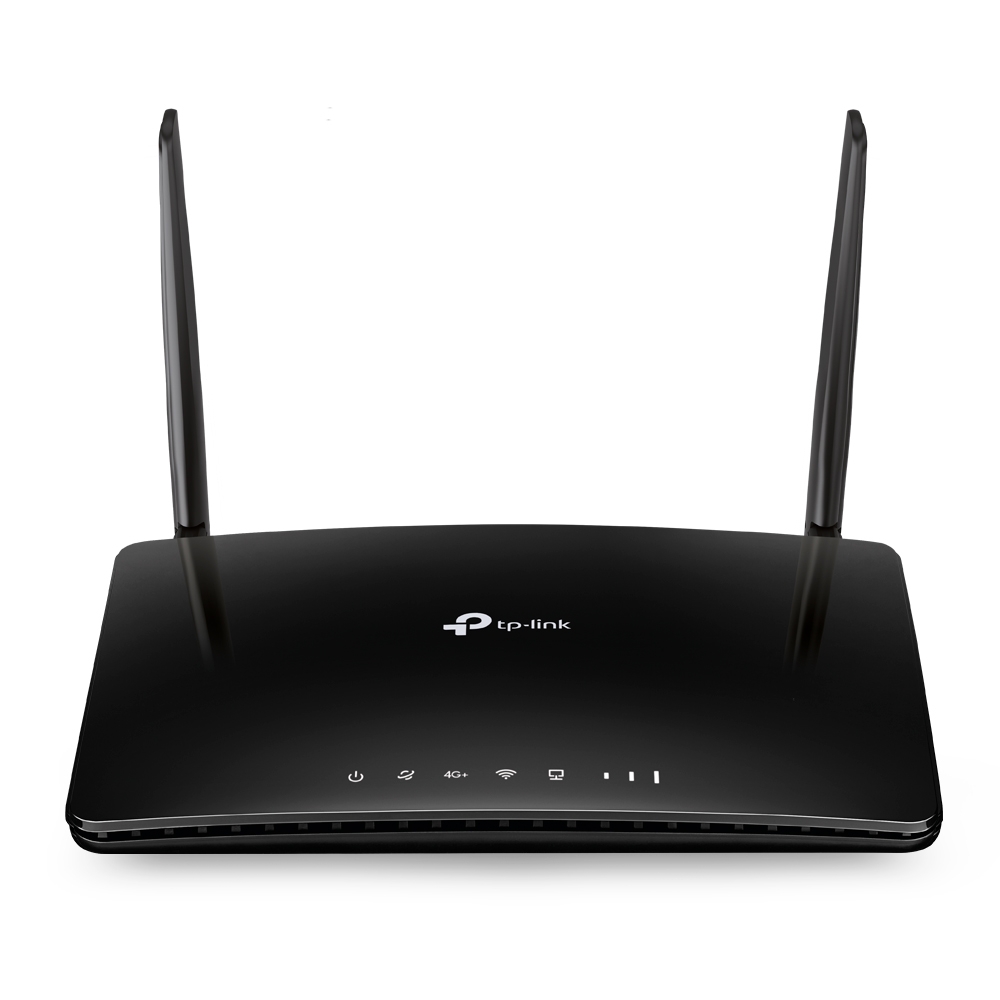
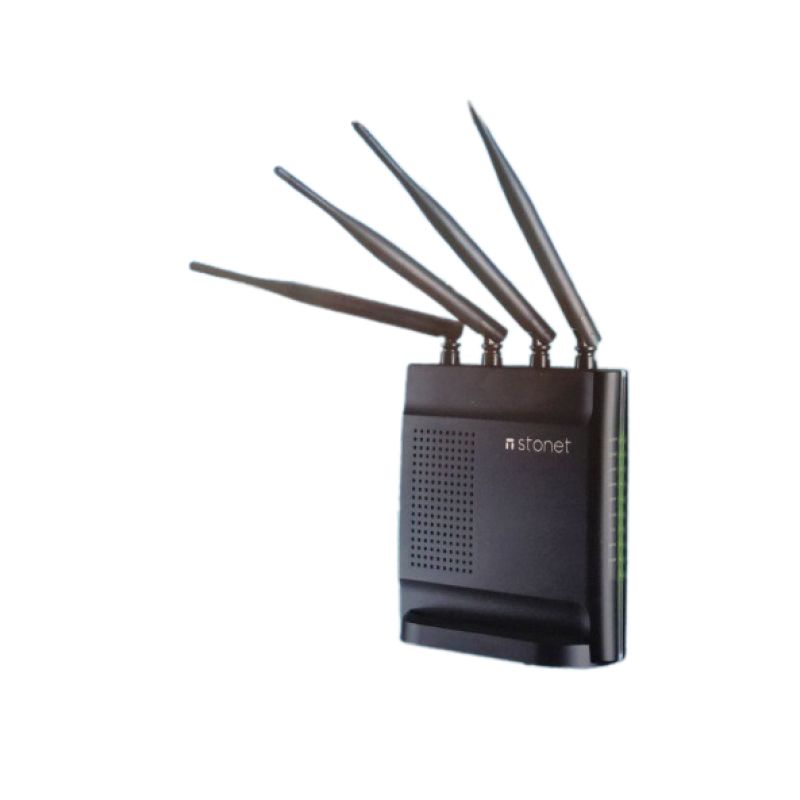
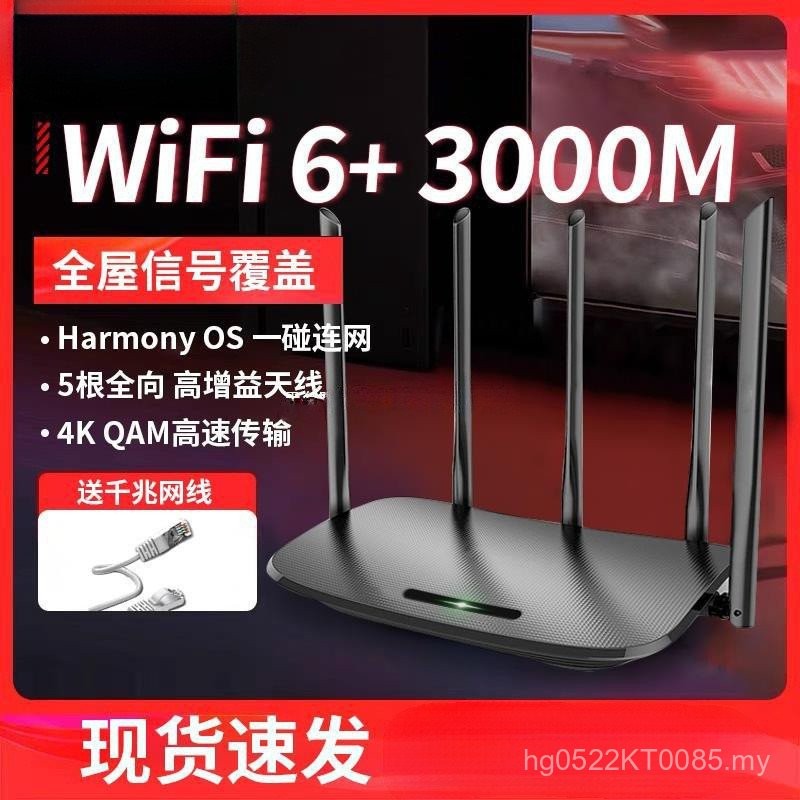
- Connect your router to your modem via an Ethernet cable.
- Power on your router and wait for it to boot up.
- Open a web browser and navigate to your router's default IP address.
- Log in to your router using the admin credentials (usually printed on the underside of the router).
- Change the default admin password and update the firmware.
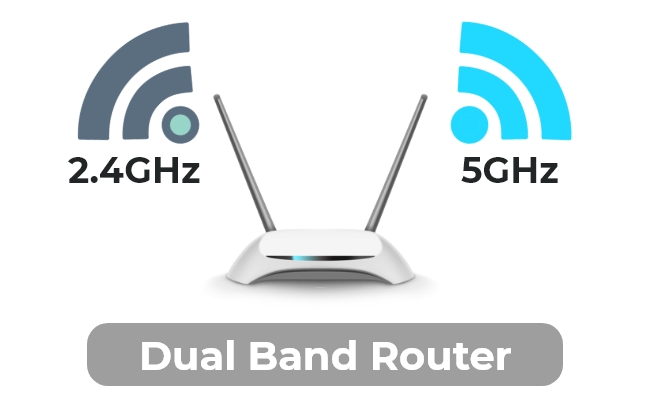
- Set up your dual band network by creating separate SSIDs for the 2.4GHz and 5GHz bands.
- Configure the wireless settings, including channel width, channel number, and encryption type.
- Save your changes and restart your router.
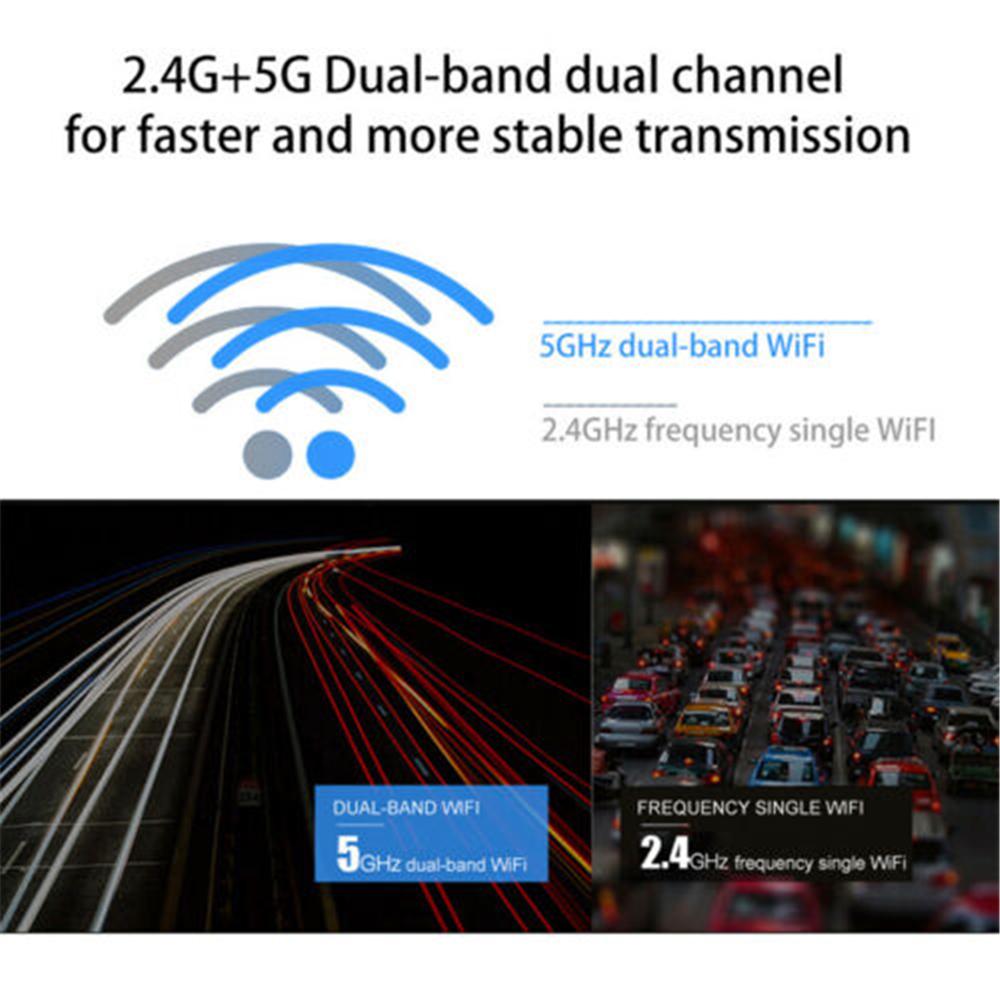
- Improved network performance: By supporting both 2.4GHz and 5GHz frequencies, your dual band router can handle a higher volume of devices and data traffic.
- Increased range and coverage: Dual band Wi-Fi allows for better coverage and a stronger signal, even in areas with many obstacles.
- Reduced interference: By using the 5GHz band for devices that require high-bandwidth applications, you can reduce the amount of interference on the 2.4GHz band.
- Enhanced security: Many modern routers with dual band capabilities come with advanced security features, such as parental control and guest networking.
- Use Quality of Service (QoS) settings to prioritize traffic and ensure important applications receive sufficient bandwidth.
- Update your router's firmware regularly to take advantage of the latest features and security patches.
- Use a Wi-Fi analyzer app to identify and mitigate sources of interference on your network.
- Change your router's channels to those with less congestion in your area.
- Use a range extender or mesh network system to extend your Wi-Fi coverage.
- Number of bands: Choose a router with at least two bands (2.4GHz and 5GHz) for optimal performance.
- Frequency: Ensure the router supports both 2.4GHz and 5GHz frequencies.
- Wireless standards: Opt for a router that supports the latest wireless standards, such as Wi-Fi 6 (802.11ac).
- Speed: Consider a router with a data transfer rate of at least 1 Gbps on the 5GHz band and 600 Mbps on the 2.4GHz band.
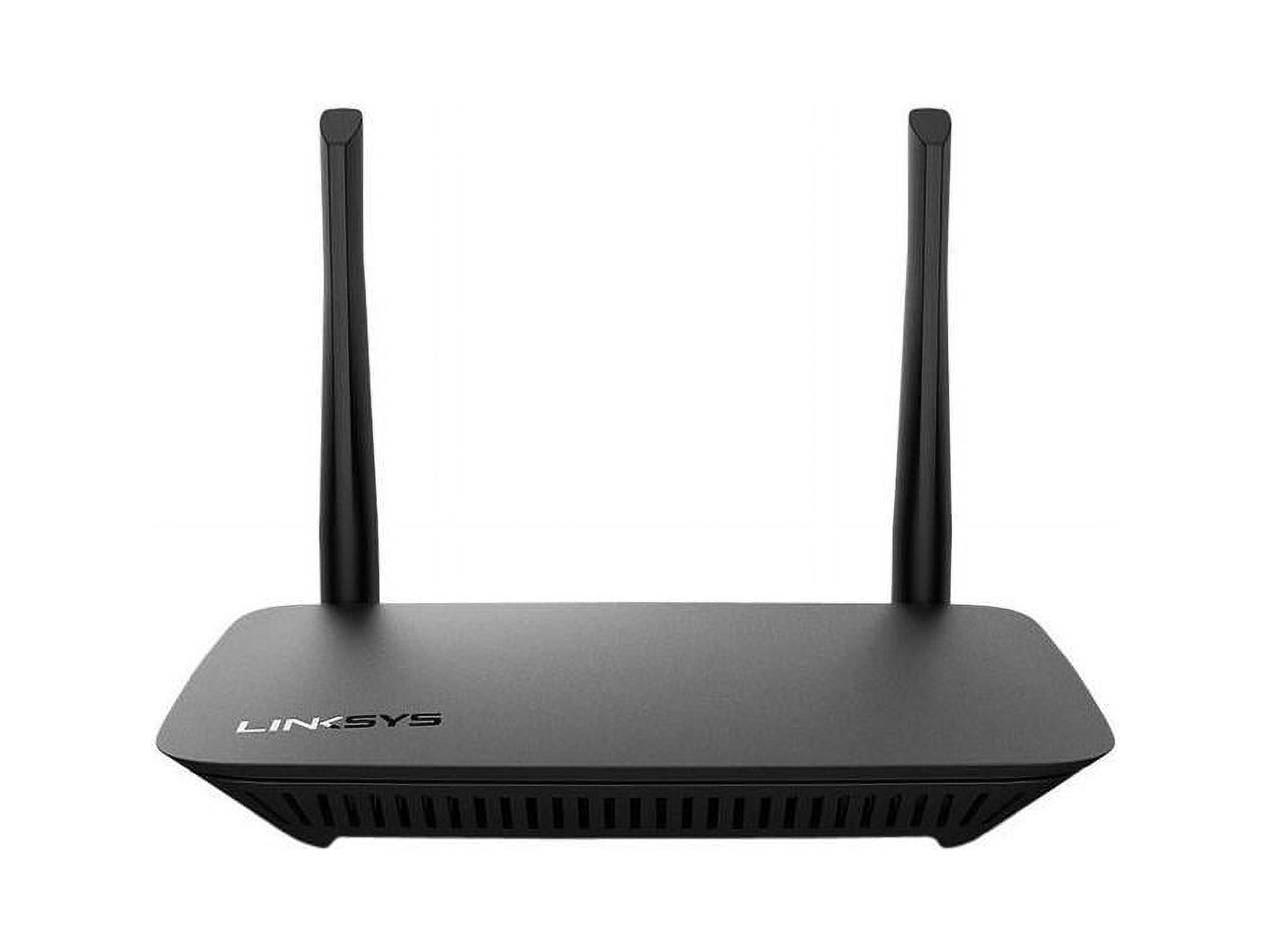
- Antennas: Look for a router with multiple antennas for improved coverage and range.