Boost your Router Security with Expert Tips! Learn how to Safeguard your Home Network with Strong Passwords, WPA3 Encryption, VPNs, and More. Stay Protected!
Are you aware that your home Wi-Fi network is vulnerable to cyber threats? With the increasing number of devices connected to your network, it's essential to ensure that your router is secure. In this article, we'll provide you with expert tips on how to safeguard your home network and keep your devices safe from potential attacks.
The Problem: Why You Need to Secure Your Home Wi-Fi Network
If you don't secure your home Wi-Fi network, cyber threat actors can perform a number of operations that can compromise your privacy and security. Some of the risks include:
- Unauthorized access to your devices and data
- Malware and virus infections
- Data breaches and identity theft
- Bandwidth hogging and network congestion
Setting up Your Home Network to Optimize Your Privacy and Cybersecurity
Setting up your home Wi-Fi router to optimize your privacy and cybersecurity is crucial. This guide will provide you with the minimum essential steps that you must take to ensure that your router doesn't introduce any unnecessary cybersecurity risks. Here are the essential steps:
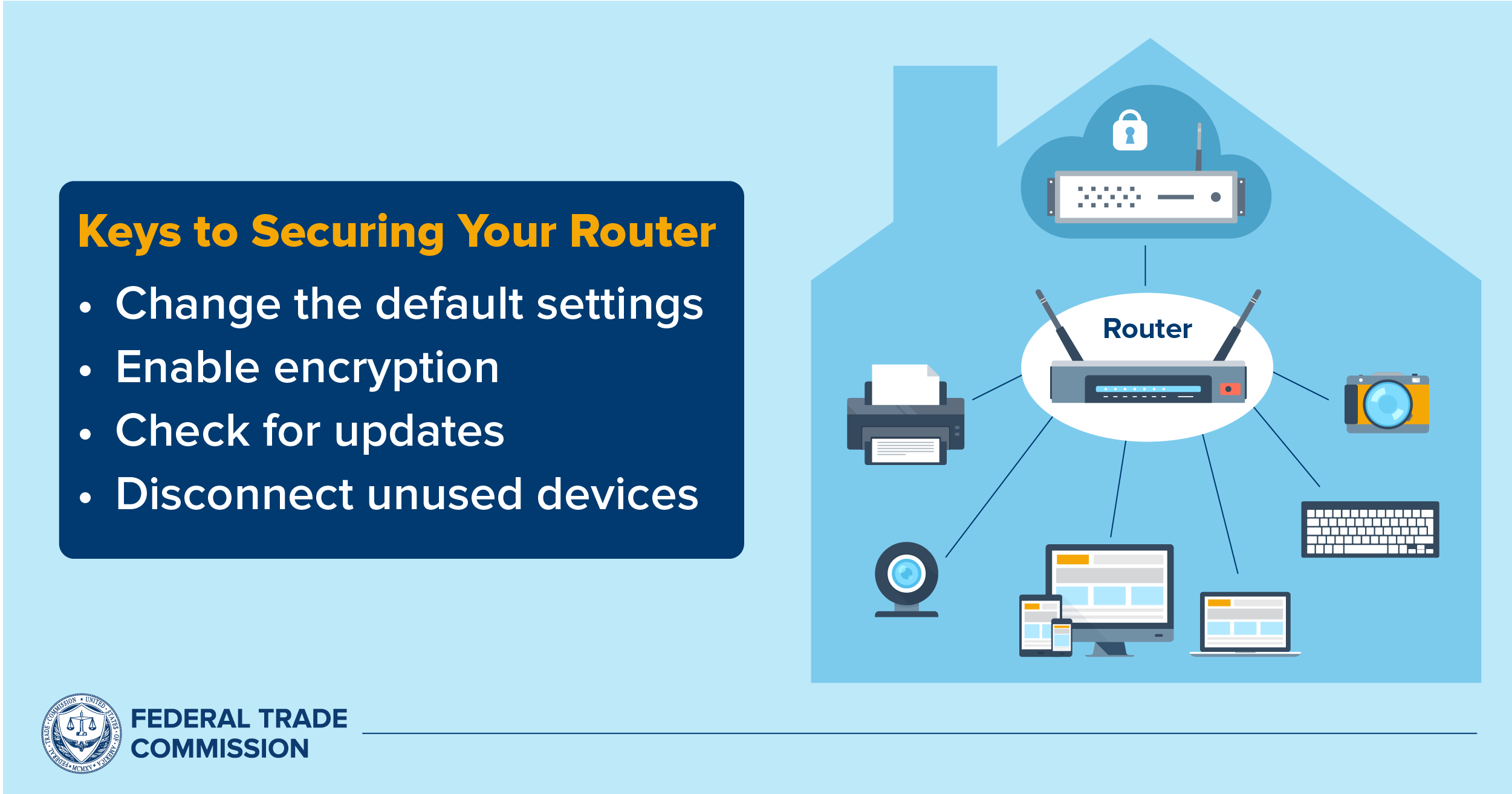
- Update your router's firmware regularly
- Use WPA3 encryption for your Wi-Fi network
- Set up a guest network and restrict access to specific devices or users
- Use a VPN (Virtual Private Network) to secure your internet connection
- Limit the access to your router's administration panel
- Change the default password for your router's administration panel
Tip 1: Update Your Router's Firmware Regularly
Regularly updating the firmware of your router ensures that it receives the latest security patches and features. Failing to update your router's firmware can leave your network vulnerable to known security vulnerabilities.
Tip 2: Secure Your Wi-Fi with WPA3 Encryption

Use WPA3 encryption for your Wi-Fi network to prevent unauthorized access. WPA3 is a more secure encryption protocol than WPA2, which was breached in 2017.
Tip 3: Set Up a Guest Network and Restrict Access to Specific Devices or Users
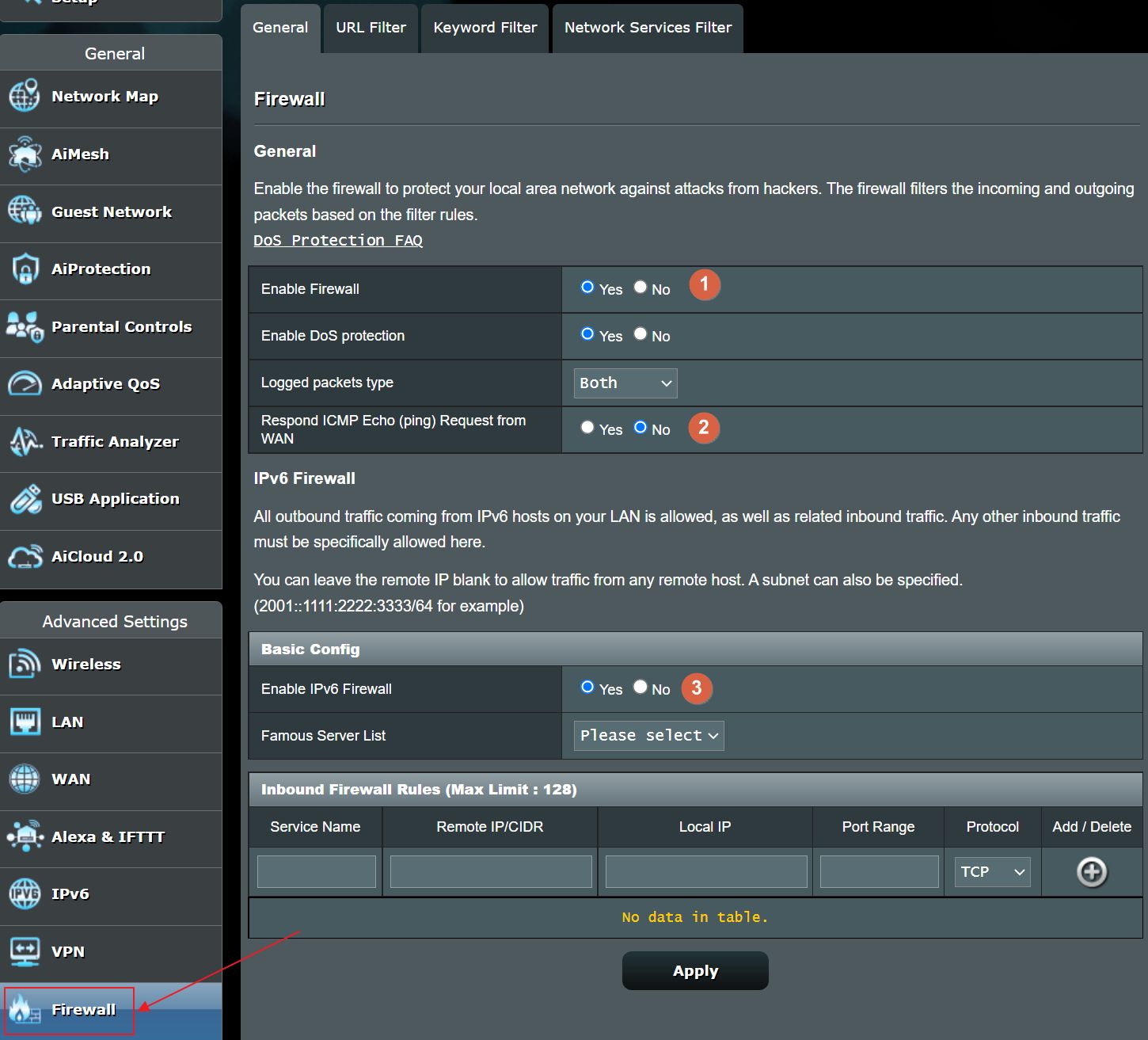
Set up a guest network and restrict access to specific devices or users to keep your main network safe from unauthorized access. You can also use a firewall to block malicious traffic.
Tip 4: Use a VPN to Secure Your Internet Connection
Use a VPN to secure your internet connection when using public Wi-Fi networks or accessing sensitive data online. A VPN encrypts your internet traffic and hides your IP address, making it difficult for hackers to intercept your data.
Additional Tips and Tricks
Here are some additional tips and tricks to help you secure your home Wi-Fi network:
- Change the default password for your router's administration panel
- Use strong passwords and passphrases for your router and devices
- Limits the access to your router's administration panel
- Regularly scan your network for malware and viruses
- Use a firewall to block malicious traffic
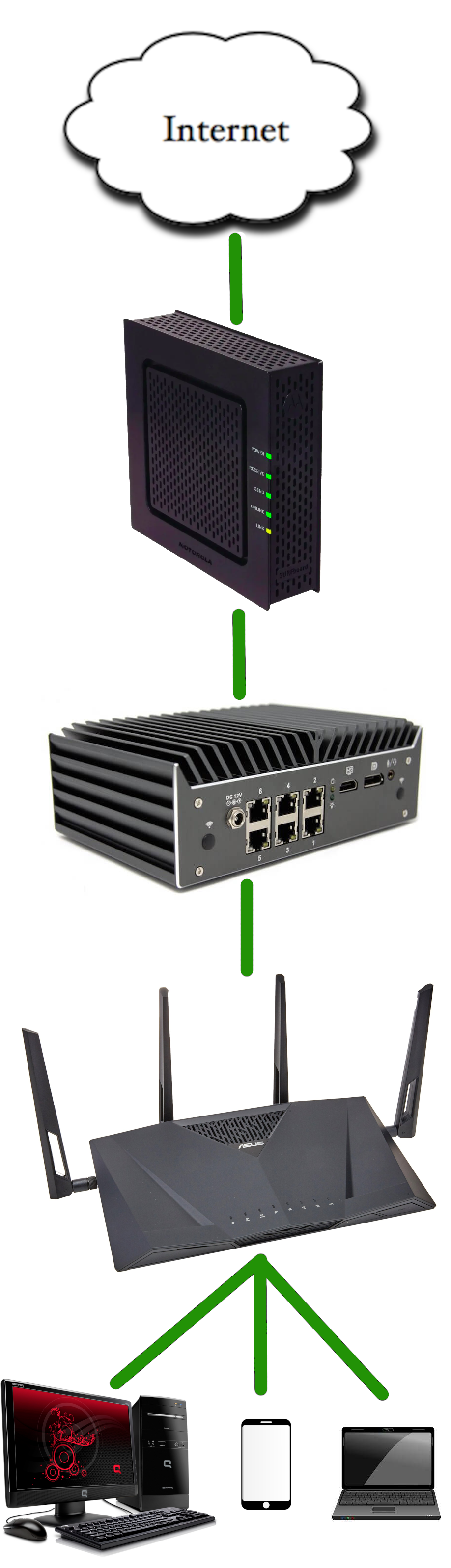
- Use a router with a built-in firewall and intrusion detection system
Conclusion
Securing your home Wi-Fi network is crucial in today's digital world. With these expert tips, you can safeguard your devices and data from potential cyber threats. Remember to update your router's firmware regularly, use WPA3 encryption, set up a guest network, and use a VPN to secure your internet connection. By following these tips, you can ensure that your home network is secure and protected from cyber threats.