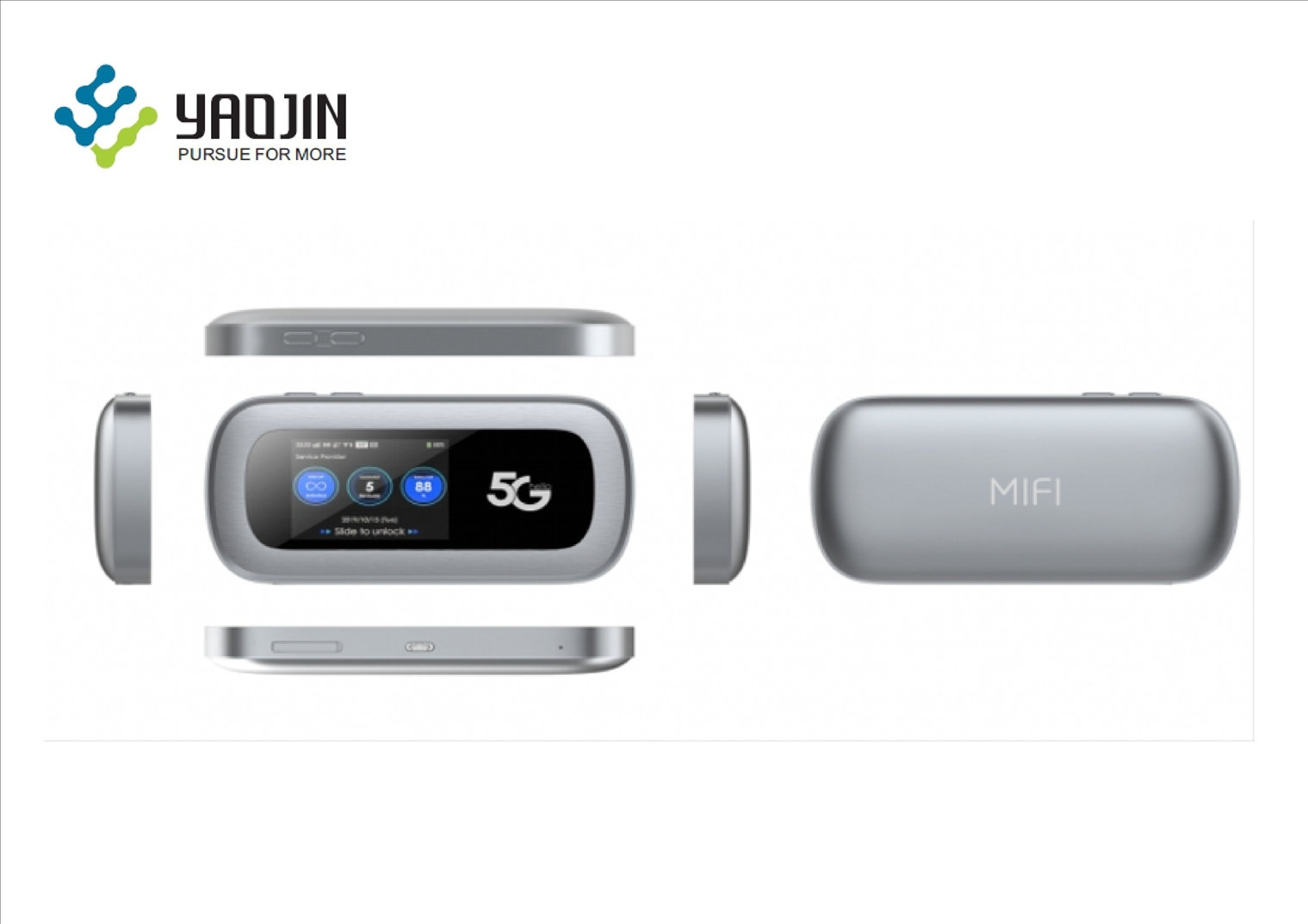
Configuring 5G Wireless Network for Mobile Hotspot
With the advent of 5G technology, mobile hotspots have become a convenient way to stay connected on-the-go. Configuring a 5G wireless network for a mobile hotspot requires a few settings and considerations to ensure seamless connectivity. In this article, we will walk you through the process of configuring your 5G mobile hotspot.
Basic Wi-Fi Settings
To start configuring your 5G mobile hotspot, you'll need to access the basic Wi-Fi settings. This will allow you to turn the Wi-Fi on or off as required. If Wi-Fi is turned off, the mobile hotspot's Wi-Fi network will be unavailable, and the only way to connect to the mobile hotspot will be via USB tethering.
Next, you'll need to configure the Network Name (SSID), which is the network name that is shown to client devices when they scan for networks to join. To change your network name, you'll need to click the Advanced tab at the top of the settings page.
- Enable or disable Wi-Fi as required.
- Change the Network Name (SSID) to a unique name that identifies your network.
APN Settings
When you configure your 5G mobile hotspot, it comes pre-configured with the Access Point Name (APN) for your network service provider. The APN determines the type of network connection to establish. If you need to change the APN settings, make sure to select the correct APN from the list of available options.
- Check the APN settings for your network service provider.
- Modify the APN settings if necessary.
Viewing Network Status
To view the network status of your 5G mobile hotspot, follow these steps:
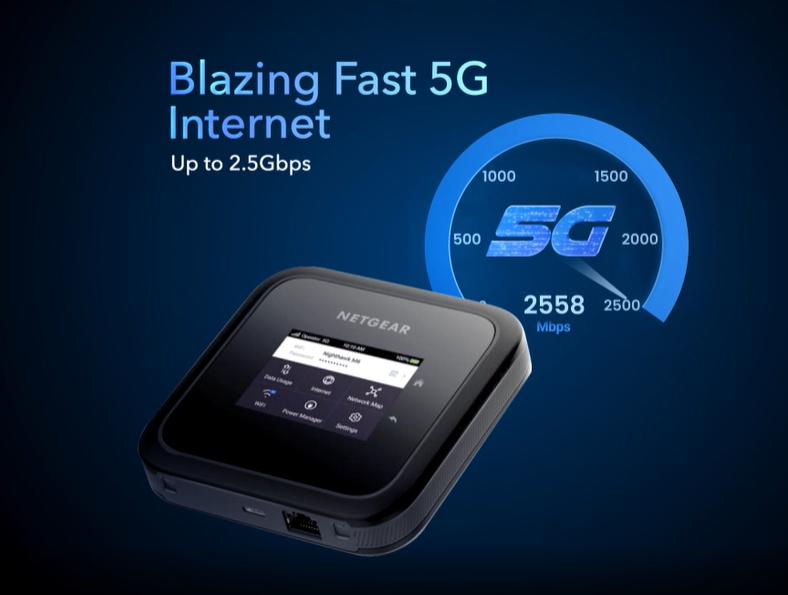
- From a computer or Wi-Fi device that is connected to the mobile hotspot, launch a web browser.
- Enter the IP address of the mobile hotspot's web page (usually
192.168.0.1orhttp://mobileap/admin/public.html). - Log in to the web page using the default login credentials (usually
adminandpassword). - View the network status and configure any advanced settings as needed.
Secure and Optimize Your Network
When you're finished configuring your 5G mobile hotspot, make sure to secure and optimize your network. This includes:
- Enabling Wi-Fi security features such as WPA2 or WPA3.
- Restricting access to the network by setting up a guest network or limiting network access to specific devices.
- Regularly updating the mobile hotspot's firmware to ensure optimal performance and security.
Upgrade Your Network Experience
With the rapid evolution of 5G technology, you can expect even faster speeds and lower latency in the future. To stay ahead of the curve, consider upgrading to a high-end mobile hotspot that supports the latest 5G frequencies and technologies.
By following these steps and best practices, you can configure your 5G mobile hotspot for optimal performance and security. Happy connected travels!
Additional Resources
For more information on configuring your 5G mobile hotspot and staying connected on-the-go, check out the following resources:
- T-Mobile's 5G Hotspot: https://www.t-mobile.com/5g/hotspot
- Verizon's 5G Hotspot: https://www.verizonwireless.com/network/5g/
- AT&T's 5G Hotspot: https://www.att.com/5g-hotspot.html


![[Wireless Router] Plug, Share & Surf: Turn Your ASUS Router into a 4G ...](https://d35v9wsdymy32b.cloudfront.net/v1/images/U8f6awxXyxDgKfAJ9R2ehu65.png "[Wireless Router] Plug, Share & Surf: Turn Your ASUS Router into a 4G ...")