Google Wi-Fi Setup on Router Configuration: A Comprehensive Guide
Getting reliable Wi-Fi signal everywhere in your home can be challenging, but with Google Wi-Fi, you can enjoy a seamless and fast internet experience. In this article, we will guide you through the process of setting up your Google Wi-Fi mesh network and configuring your router for optimal performance.
Introduction
Google Wi-Fi is a mesh networking system that aims to make Wi-Fi connectivity a breeze. With its easy setup process and intuitive interface, you can create a robust and reliable network in your home. In this article, we will walk you through the step-by-step process of setting up your Google Wi-Fi mesh network and configuring your router for optimal performance.
Requirements for Google Wi-Fi Setup
Before you start, make sure you have the following:
- Google Wi-Fi point(s)
- One of the following mobile devices: Android phone or tablet with Android 9.0 or later
- Existing router (if you want to integrate Google Wi-Fi with your current network)
Step 1: Setting Up Your Google Wi-Fi Network
To set up your Google Wi-Fi network, follow these steps:
- Power on your Google Wi-Fi point(s)
- Download the Google Home app on your mobile device
- Open the Google Home app and begin the setup process
- Follow the app's instructions to add a new network
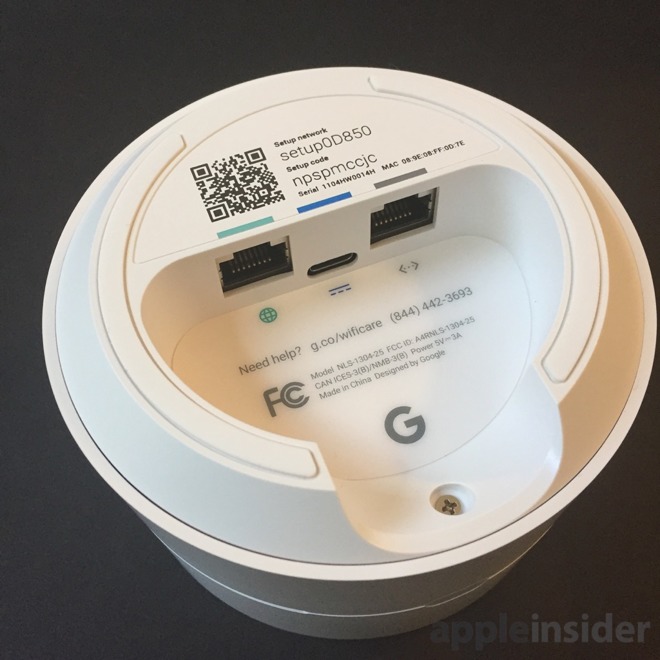
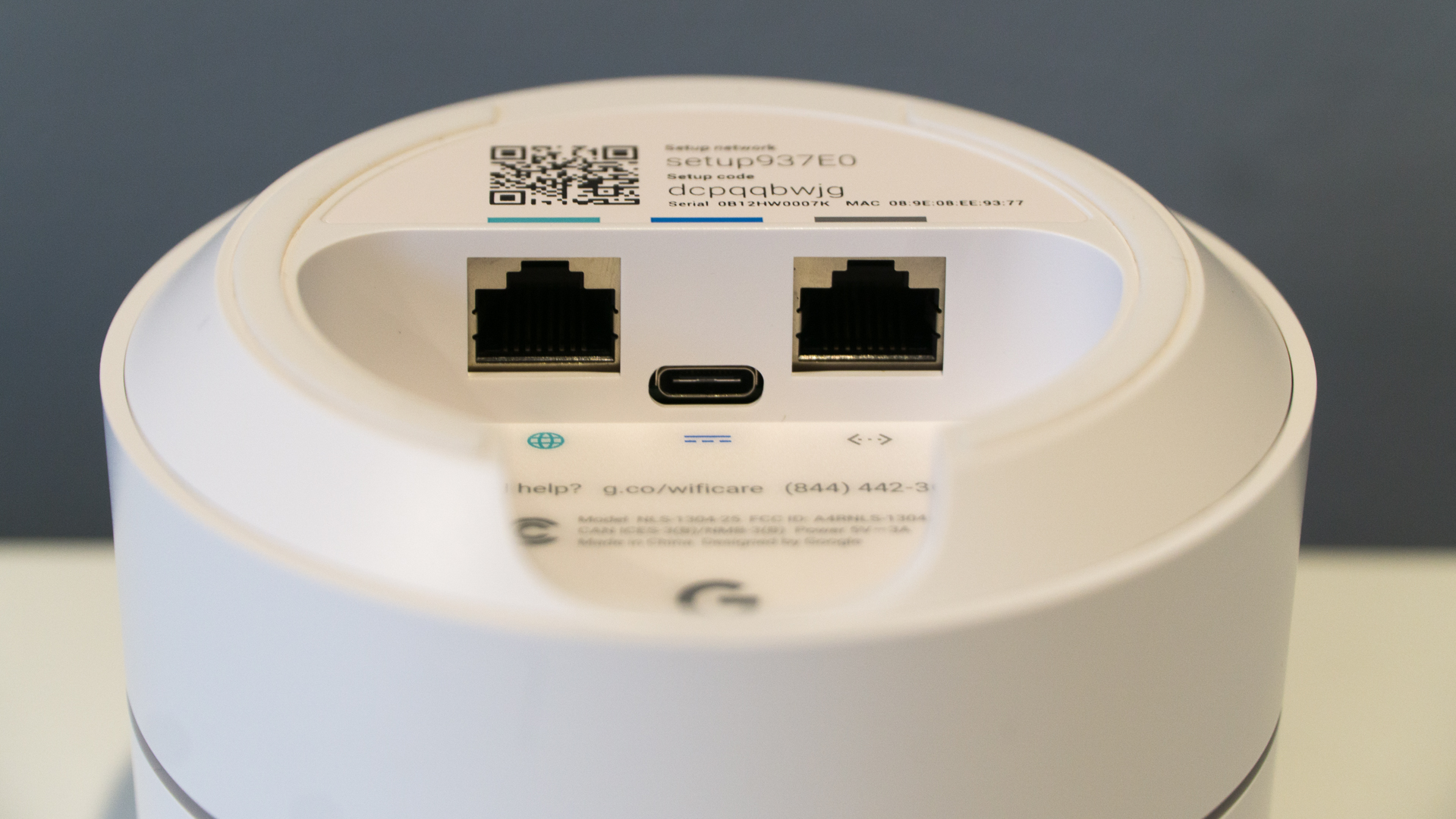
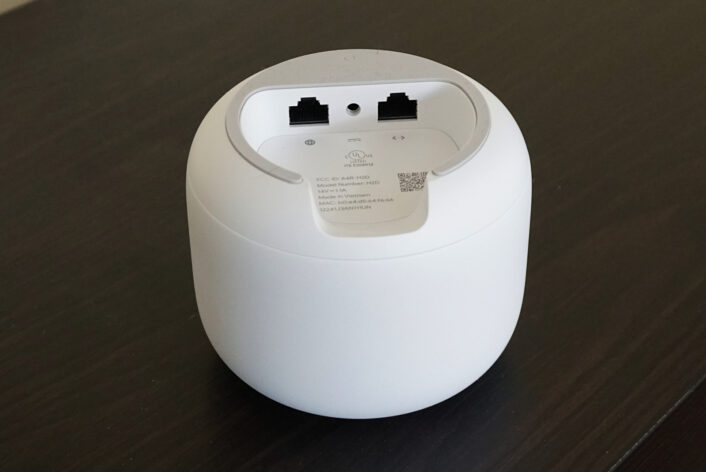
- Scan the QR code on the bottom of the Wi-Fi point
- Complete the setup process by following the app's prompts
Step 2: Integrating Google Wi-Fi with Your Existing Network
If you have a existing router and want to integrate Google Wi-Fi with your current network, follow these steps:
- Power on your Google Wi-Fi point(s)
- Open the Google Home app and begin the setup process
- Tap on the "Add device" button
- Follow the app's instructions to add a new network
- Connect your Google Wi-Fi point(s) to your existing router
- Complete the setup process by following the app's prompts

Step 3: Configuring Your Router
Once you have set up your Google Wi-Fi network, you can configure your router for optimal performance. Here are some tips to get you started:
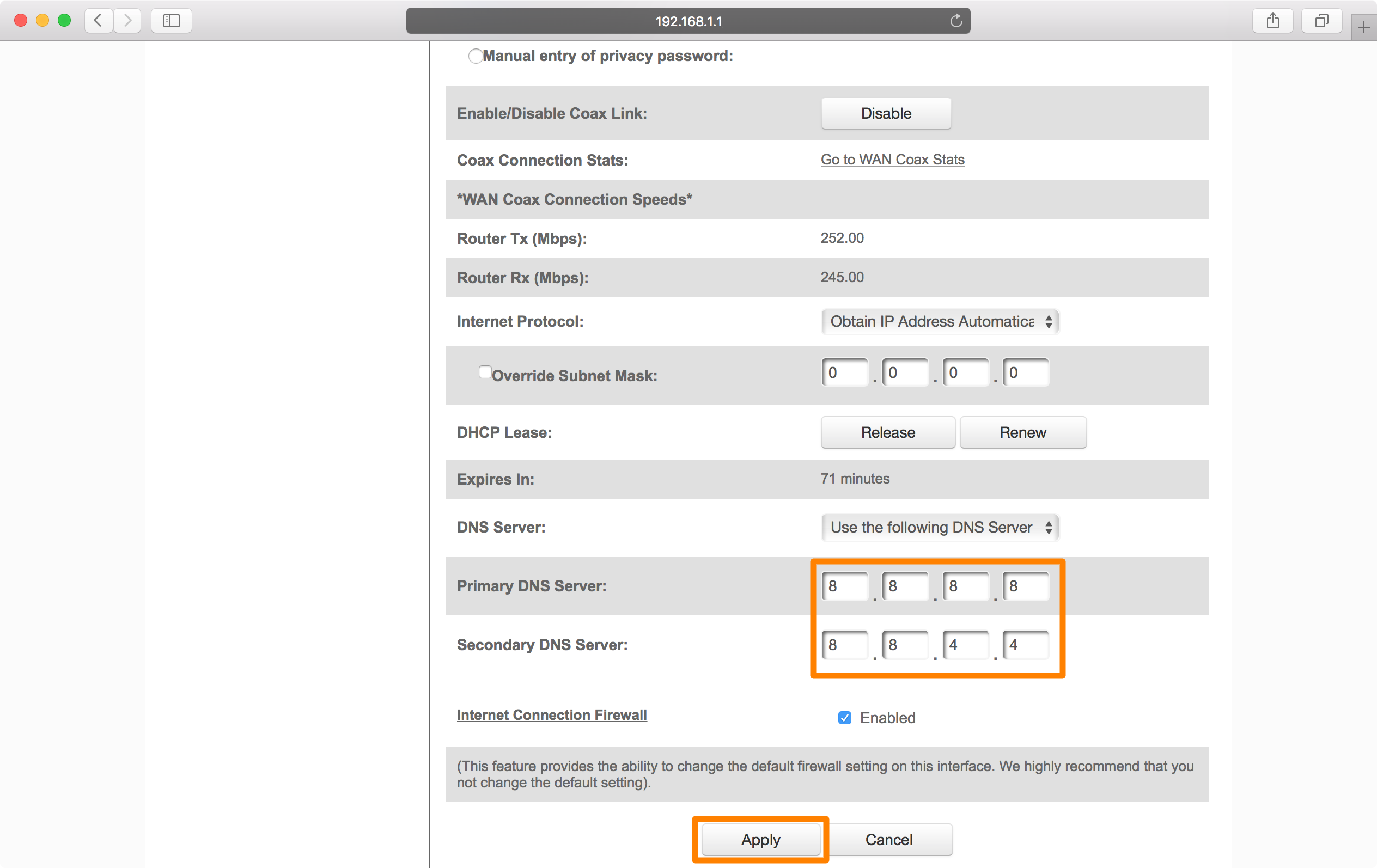
- Configure your Wi-Fi network: Sign in to your GFiber account and navigate to your router's device configuration to set up your wireless network.
- Optimize your mesh network: Use the Google Home app to optimize your mesh network and ensure that you have the best possible Wi-Fi signal throughout your home.
- Update your firmware: Regularly update your firmware to ensure that you have the latest features and security patches.
- Monitor your network: Use the Google Home app to monitor your network and identify any issues or areas for improvement.
Conclusion
In conclusion, setting up your Google Wi-Fi mesh network is a straightforward process that can be completed in just a few simple steps. By following the steps outlined in this article, you can create a robust and reliable Wi-Fi network in your home and enjoy fast and seamless internet connectivity. Remember to configure your router for optimal performance and keep your firmware up-to-date to ensure the best possible experience.
Additional Tips and Tricks
Here are some additional tips and tricks to help you get the most out of your Google Wi-Fi network:
- Use a strong and unique password for your Wi-Fi network
- Enable WPA3 encryption for added security
- Use Quality of Service (QoS) settings to prioritize traffic and ensure that critical applications get the bandwidth they need
- Use the Google Home app to monitor your network and identify any issues or areas for improvement
- Regularly update your firmware to ensure that you have the latest features and security patches
Common Issues and Troubleshooting
Here are some common issues and troubleshooting tips to help you resolve any problems you may encounter with your Google Wi-Fi network:
- Interference from other devices: Try moving your Google Wi-Fi point(s) to a different location to reduce interference from other devices.
- Slow speeds: Try updating your firmware, checking for interference, or verifying your settings to resolve slow speeds.
- Connection issues: Try restarting your Google Wi-Fi point(s), checking your network settings, or contacting customer support for assistance.
- Mesh network issues: Try restarting your Google Wi-Fi point(s), checking your network settings, or contacting customer support for assistance.