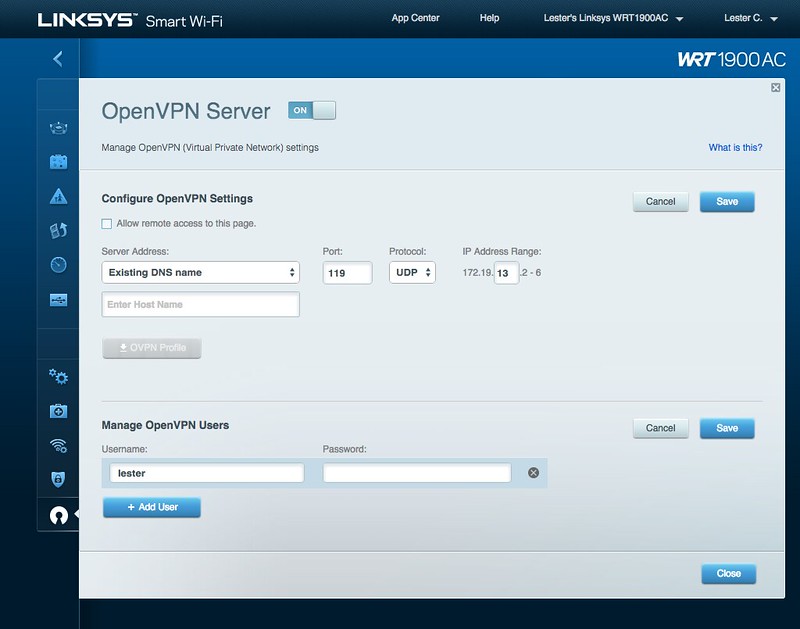
Linksys WRT1900ACv2: How to Download and Install the Latest Firmware Update
Why Upgrade Your Firmware?
It is essential to regularly update the Linksys WRT1900ACv2 router's firmware to fix device issues, enhance its performance, and gain access to new features. The update process involves downloading the latest firmware version and following the manufacturer's instructions for installation. In this article, we will guide you through the process of downloading and installing the latest firmware update for your Linksys WRT1900ACv2 router.What is Firmware?
Firmware refers to the set of instructions stored in a device's memory, which controls its behavior and operation. In the case of routers, firmware is responsible for managing network traffic, handling requests, and ensuring secure data transmission. Over time, manufacturers may release new firmware versions to address security vulnerabilities, improve performance, and add new features.How to Check for Firmware Updates
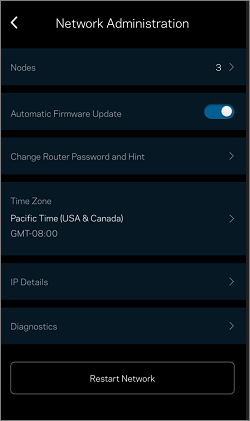
To ensure you have the latest firmware version, follow these steps: 1. Access your Linksys cloud account. 2. Click on "Connectivity." 3. Locate the "Firmware Update" section under the "Update and Maintenance" tab. 4. If a firmware update is available, click on the "Update Now" button to begin the download process.Release Notes for the Latest Firmware Update
The latest firmware update for the Linksys WRT1900ACv2 router brings several improvements, including: * Integrated WLAN driver drv_7.2.9.2.p9_fw_7.2.9.26 * Security fixes * A new checkbox for opting in to reliability data collectionBefore Downloading the Firmware
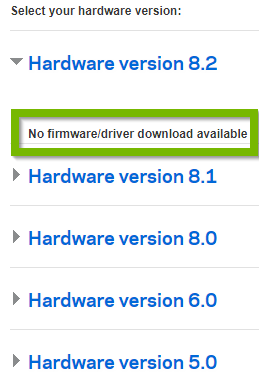
Before downloading the firmware, make sure the currently installed version is not newer or matching the release version. You can check this information on the system information page of the router.OpenWrt Firmware Download
If you're looking for an alternative firmware for your Linksys WRT1900ACv2 router, you can download OpenWrt firmware from the official website.WRT AC Series Routers
The Linksys WRT AC series routers are high-performance, dual-core, dual-partition devices with OEM firmware based on OpenWrt. These routers offer cutting-edge features and robust performance, making them an ideal choice for home networks.Dual Firmware Flashing
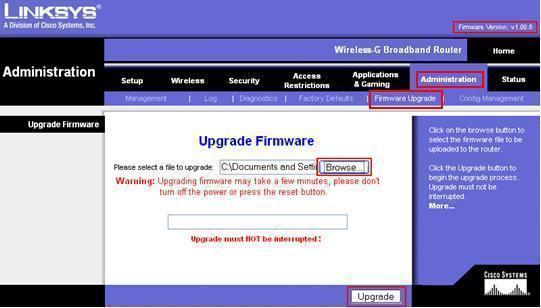
The WRT AC series routers use a dual firmware flash layout, which includes two separate firmware partitions that are flashed in an alternating fashion. This allows the router to operate safely and efficiently, ensuring minimal disruption during the firmware update process.Linksys Firmware Update: A Step-by-Step Guide


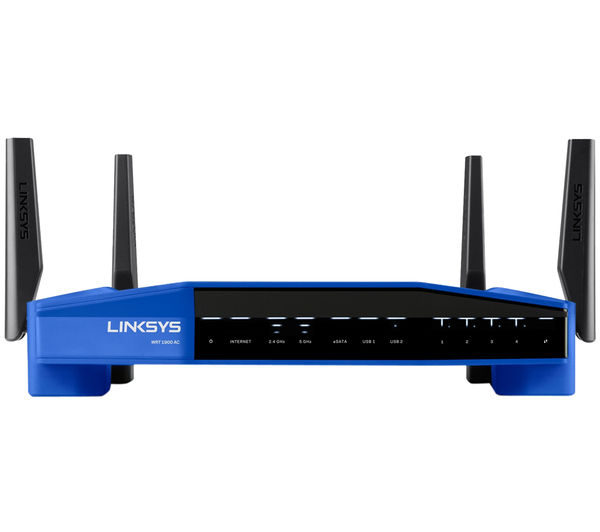






![[OpenWrt Wiki] Linksys WRT1900AC](https://miro.medium.com/v2/resize:fit:1200/1*2xeRmK-Kt8hqtGlS3nmMwA.jpeg "[OpenWrt Wiki] Linksys WRT1900AC")
![[OpenWrt Wiki] Linksys WRT AC Series](https://www.network-options.co.ke/stage/wp-content/uploads/2019/04/webcontent1-Linksys-WRT1900ACS-Dual-Band-WiFi-Router-with-Ultra-Fast-1-6-GHz-CPU.png "[OpenWrt Wiki] Linksys WRT AC Series")