Configuring Wireless Network for Audio Equipment: A Comprehensive Guide
Introduction
In today's world of wireless connectivity, setting up a wireless network for audio equipment has become an essential task for music producers, live sound engineers, and home audio enthusiasts. A well-configured wireless network can greatly improve the audio quality, reduce latency, and increase the versatility of your audio setup. In this article, we will guide you through the process of configuring a wireless network for your audio equipment, including the selection of the right equipment, network settings, and connectivity options.Understanding the Basics of Wireless Networking for Audio
Before we dive into the configuration process, it's essential to understand the basics of wireless networking for audio. Wireless networks use radio waves to transmit data between devices. In the context of audio, this means that your audio signals are broadcasted over the air, allowing you to stream audio from one device to another without the need for cables.Choosing the Right Equipment
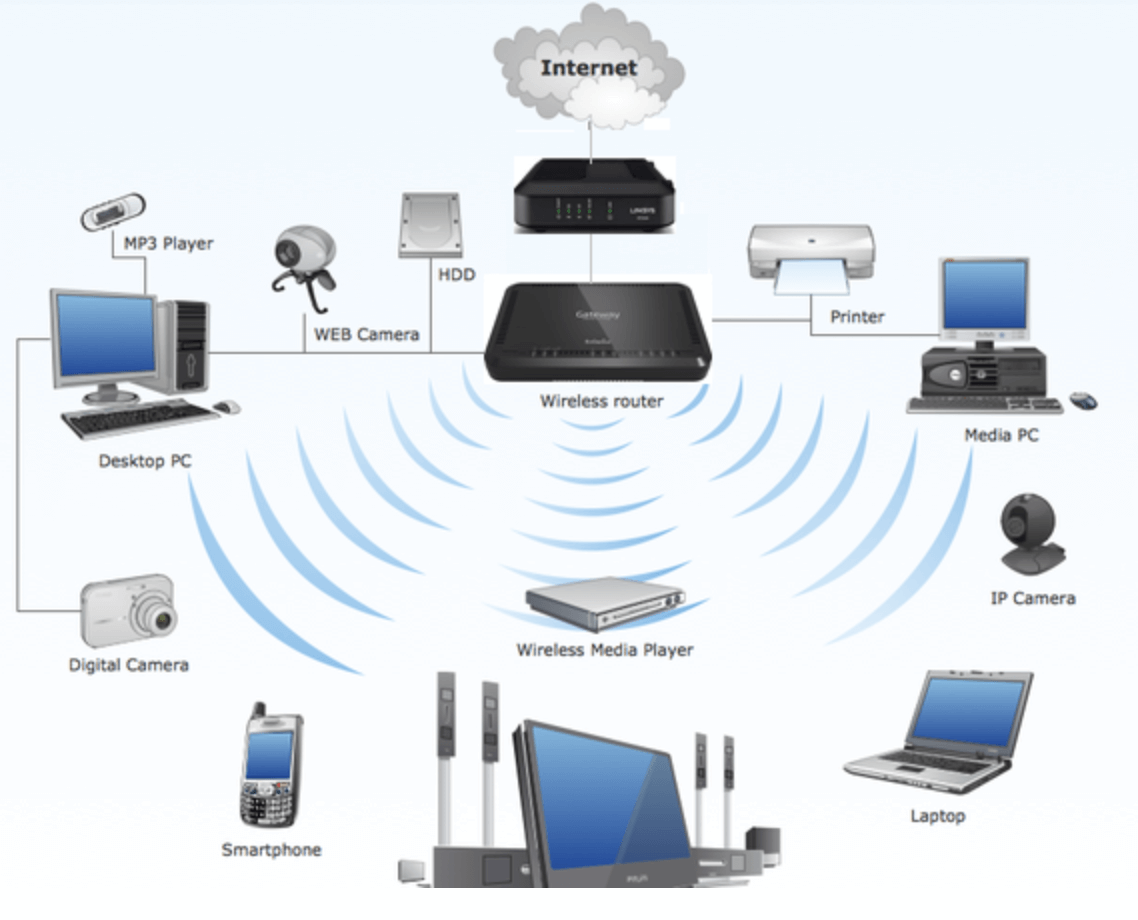
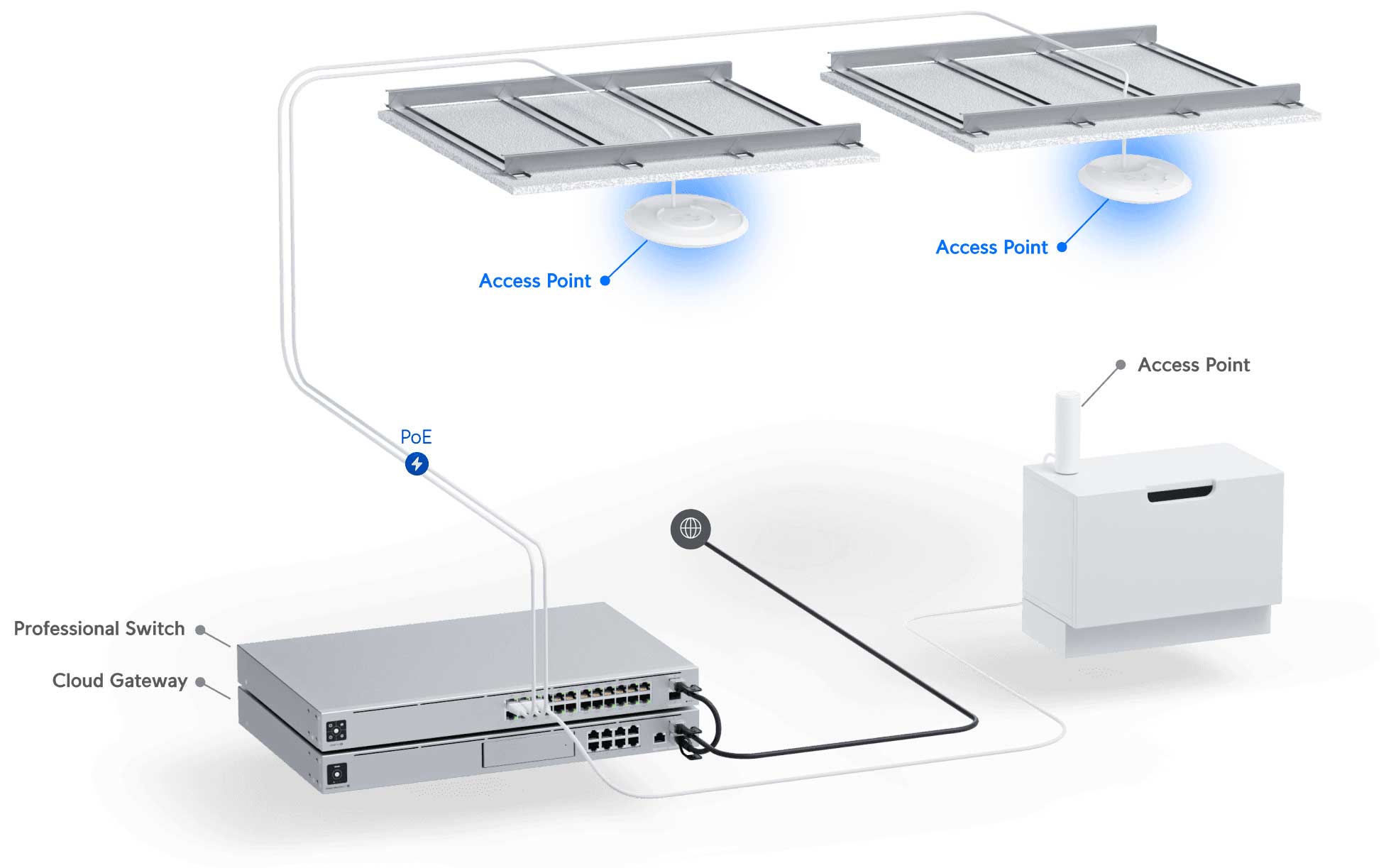
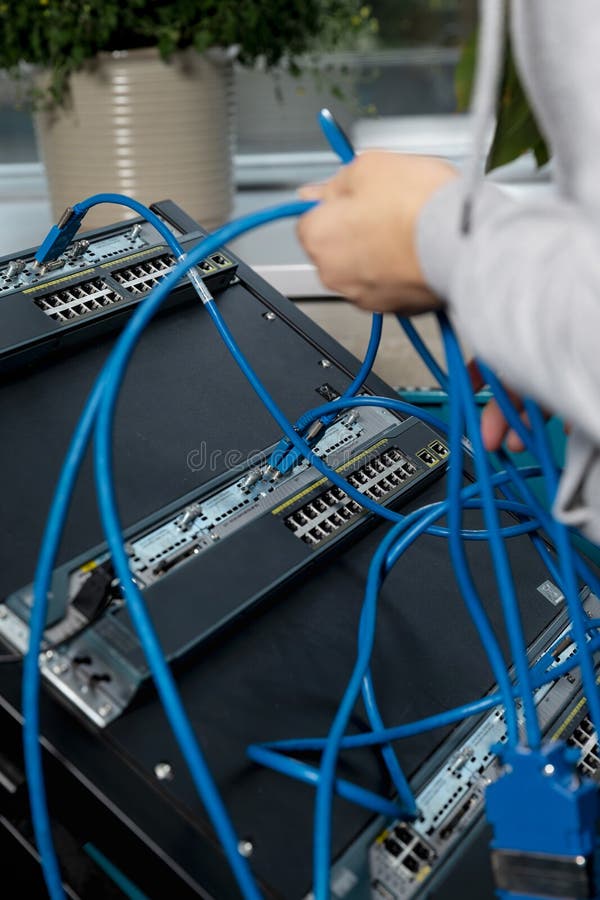
The first step in configuring a wireless network for audio is selecting the right equipment. For most applications, you'll need a wireless router, a wireless access point (WAP), and a network switch. The router will act as the central node that connects all your devices to the internet, while the WAP will provide a wireless connection to your devices. The network switch will connect all your devices to the router.Network Settings
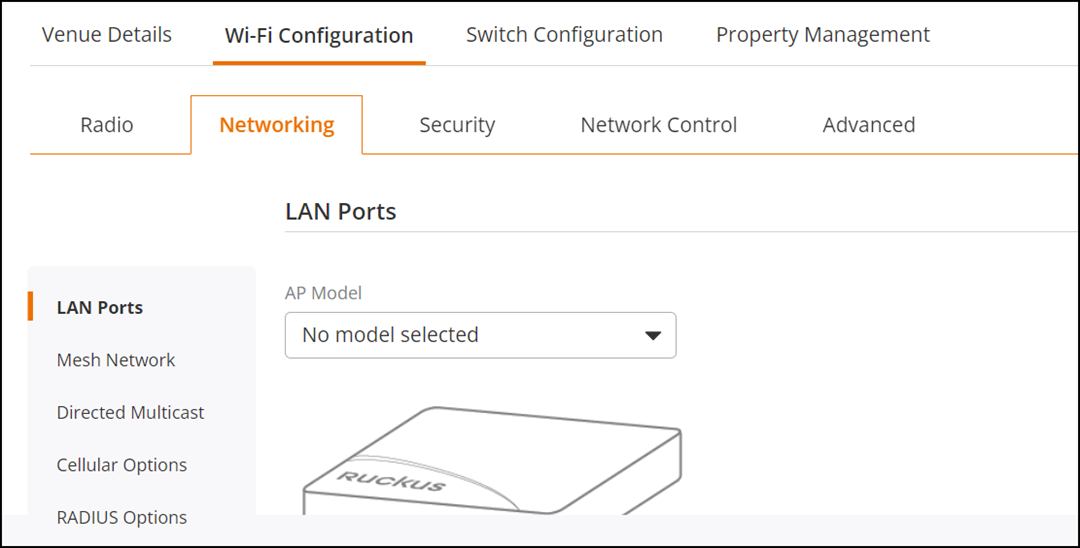
Once you have your equipment, it's time to configure the network settings. This includes setting up the wireless network name (SSID), password, and channel. You'll also need to adjust the settings for Quality of Service (QoS) to ensure that your audio signals are given priority over other network traffic.Wireless Network Modes