Ergonomic Posture: Unlocking Healthy Movement and Well-being
Understanding the Importance of Ergonomic Posture
When it comes to maintaining a healthy work environment, few factors are as crucial as understanding and practicing good ergonomic posture. The term "ergonomic posture" refers to the art of adopting a position that allows the body to function in harmony with its environment, minimizing strain and promoting ease of movement. By integrating ergonomic posture into daily activities, individuals can significantly reduce the risk of musculoskeletal disorders, back pain, and other costly health issues associated with poor posture and movement habits.Why is Ergonomic Posture Important?
Ergonomic posture plays a vital role in promoting overall well-being, particularly in workplaces where individuals spend a considerable amount of time sitting or standing. Research indicates that prolonged periods of sedentary behavior can significantly contribute to the development of chronic diseases, such as cardiovascular disease, type 2 diabetes, and certain types of cancer. By incorporating ergonomic principles into daily activities, individuals can mitigate these risks and cultivate a healthier, more productive lifestyle.The Science Behind Ergonomic Posture
The ergonomics movement emphasizes the importance of understanding the individual's physical, behavioral, and environmental needs to optimize work performance and quality of life. The concept involves adapting environments, tools, and work processes to make the most efficient use of our physical capacities, thereby reducing the likelihood of injury and discomfort. Effective ergonomic design accounts for various ergonomic factors, such as body anatomy, physical forces, task tolerance, personal factors, environmental factors, and organizational factors.5 Key Principles for Mastering Ergonomic Posture
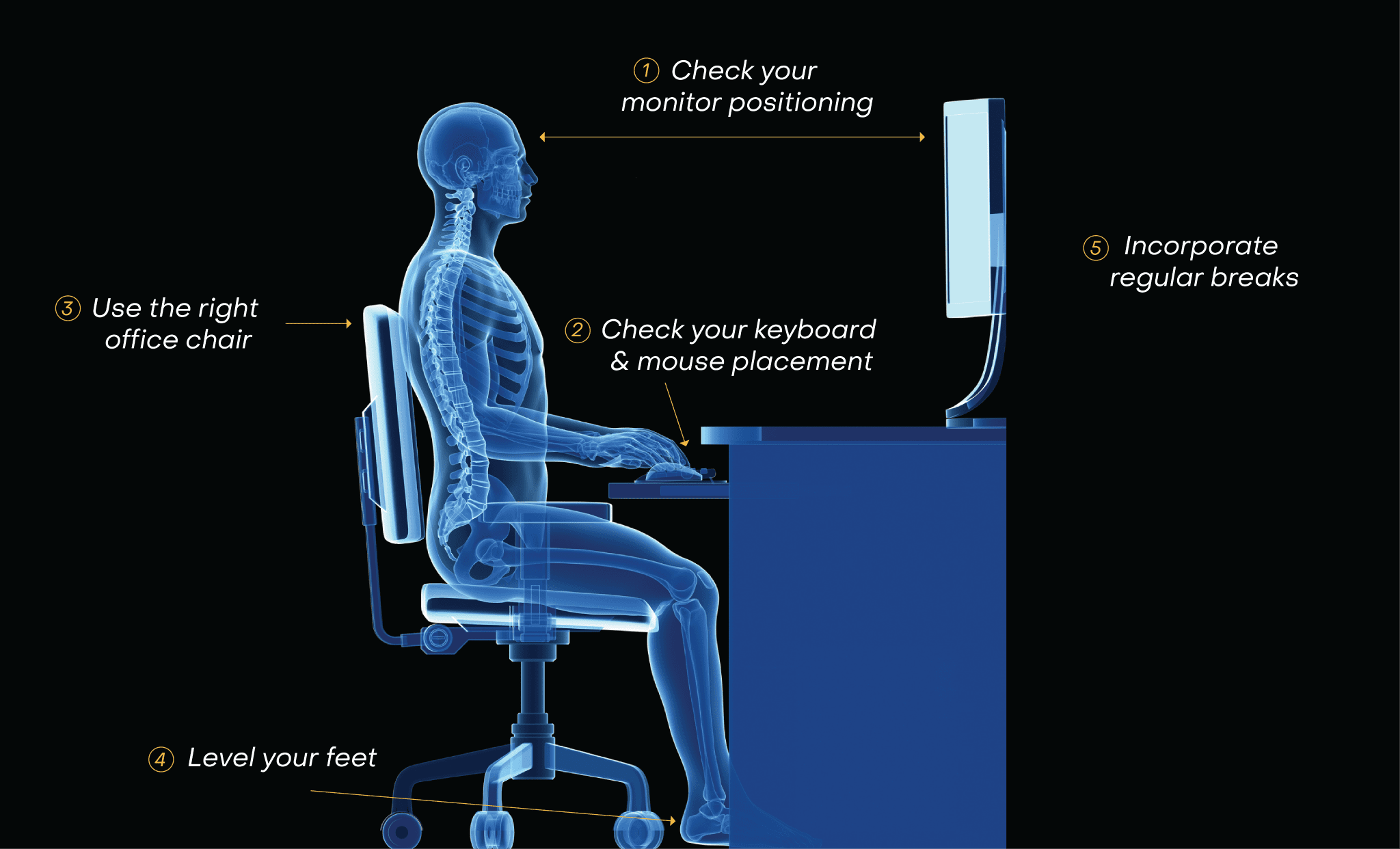
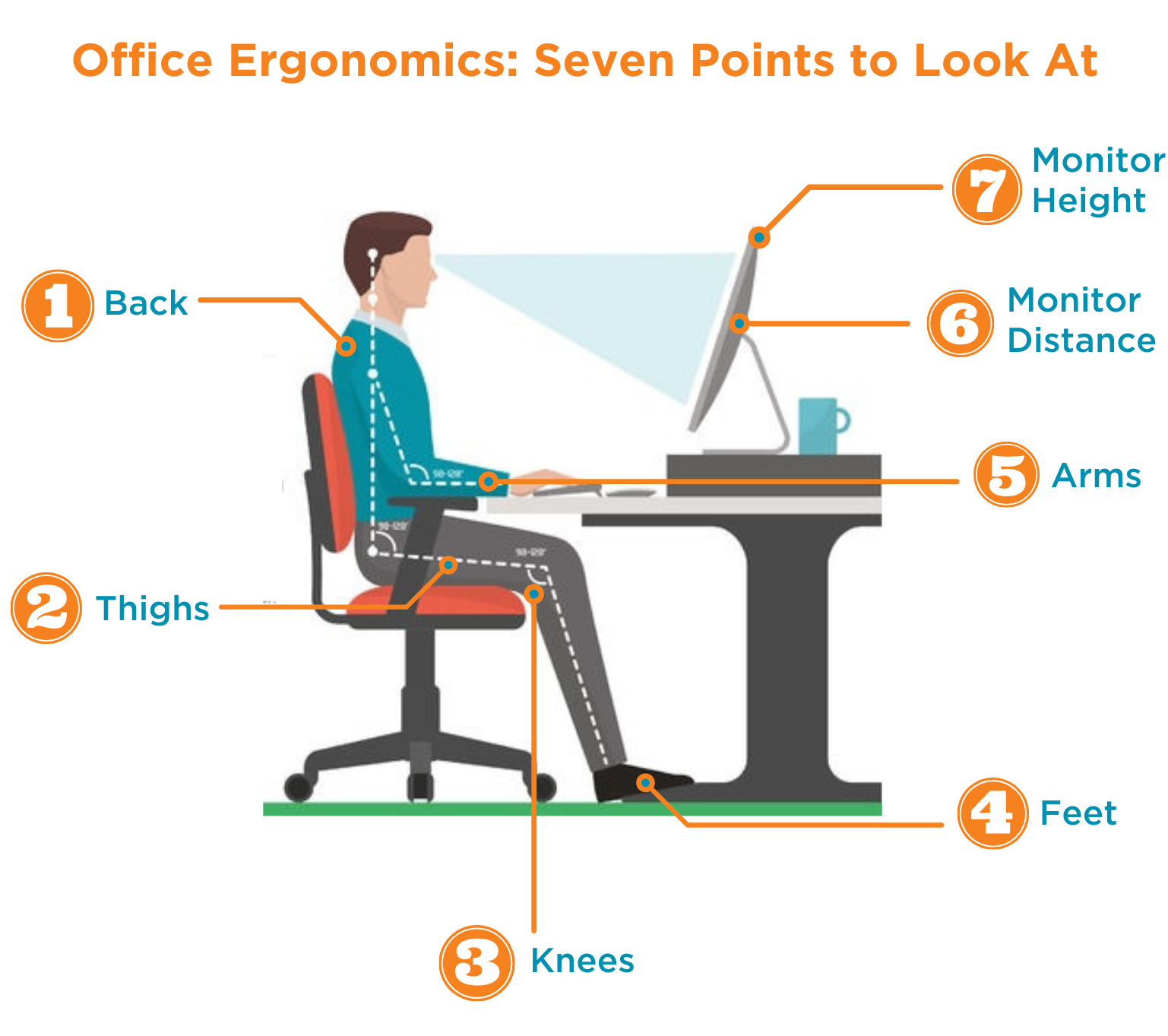
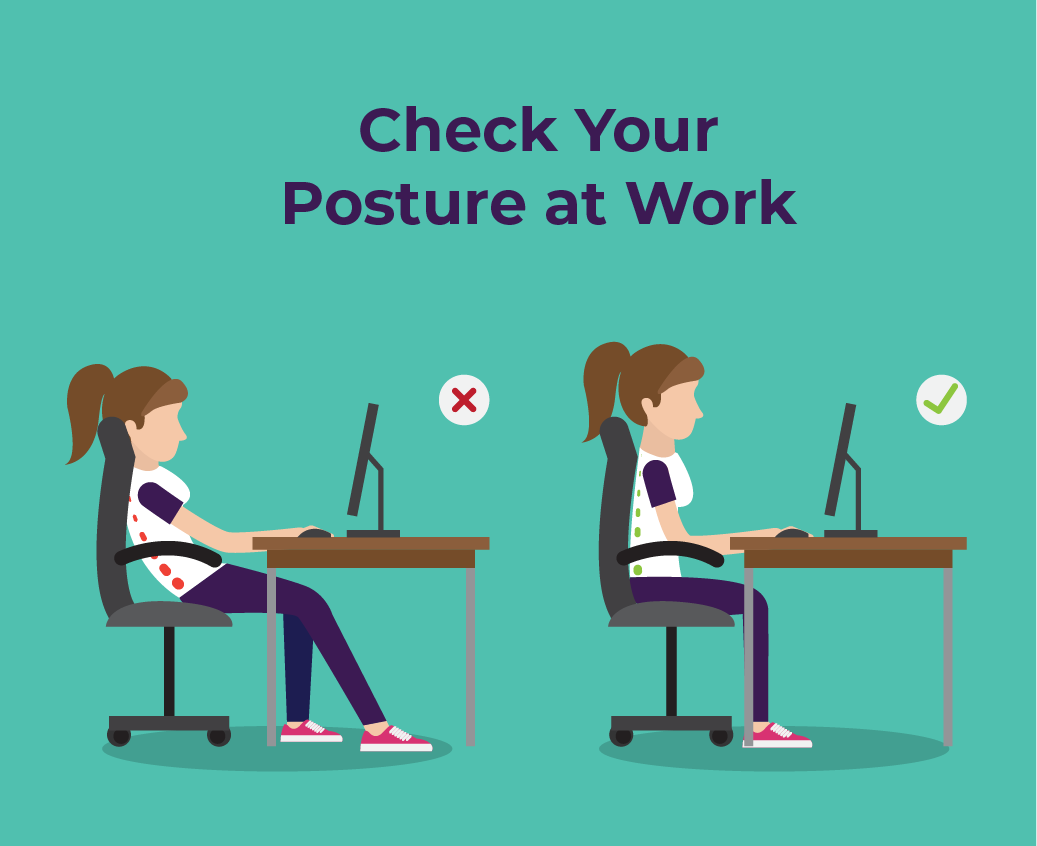
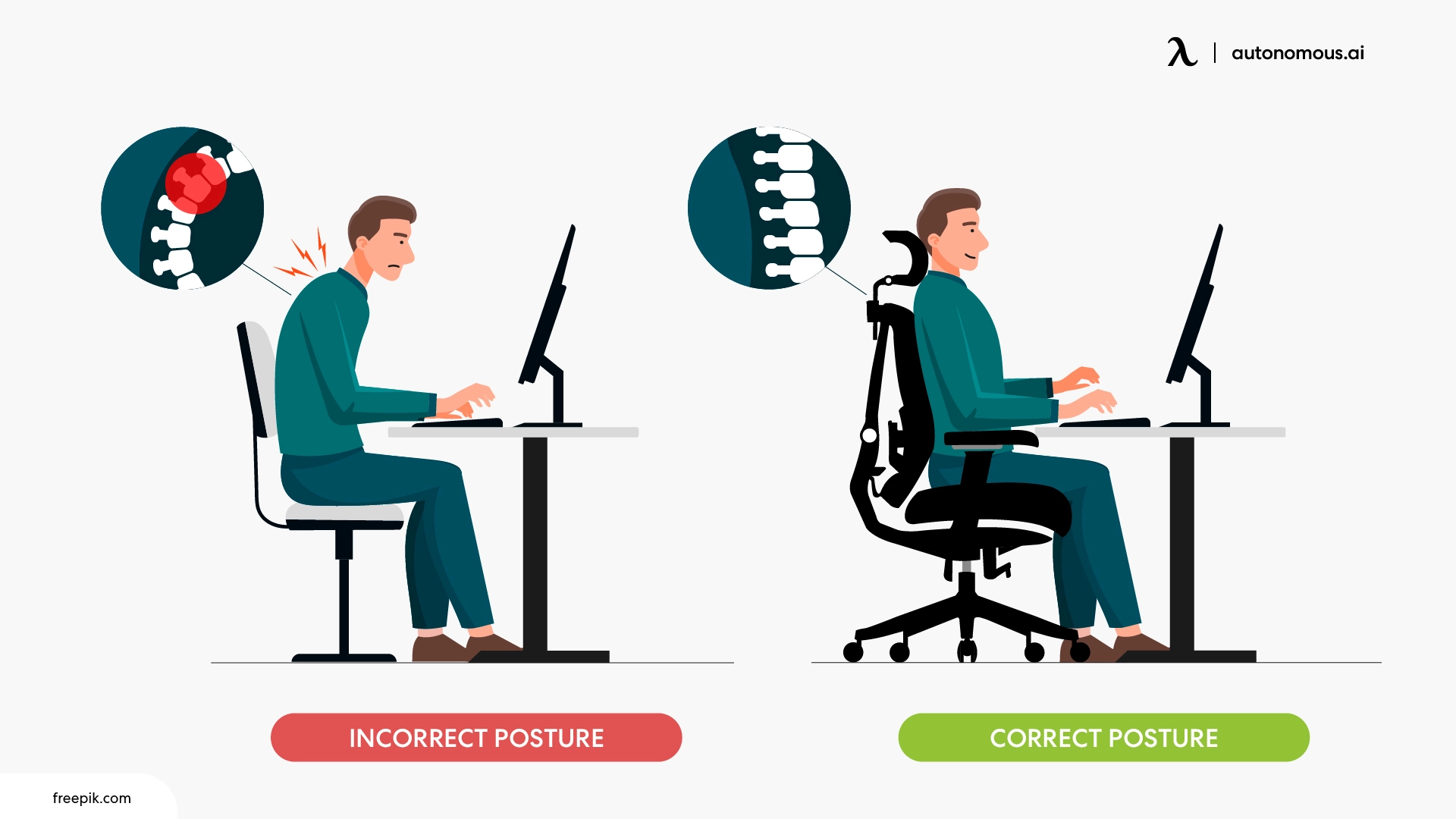
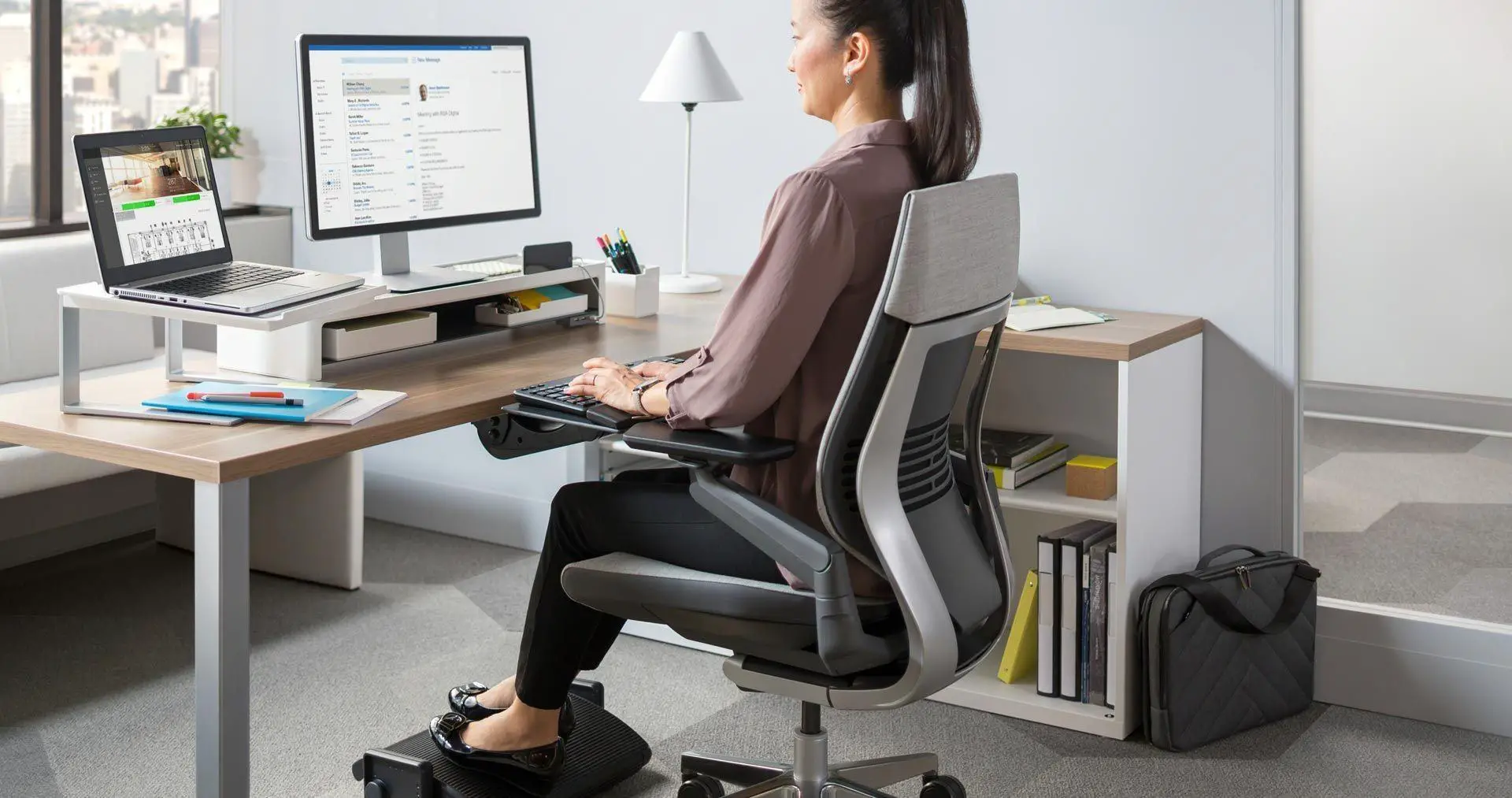
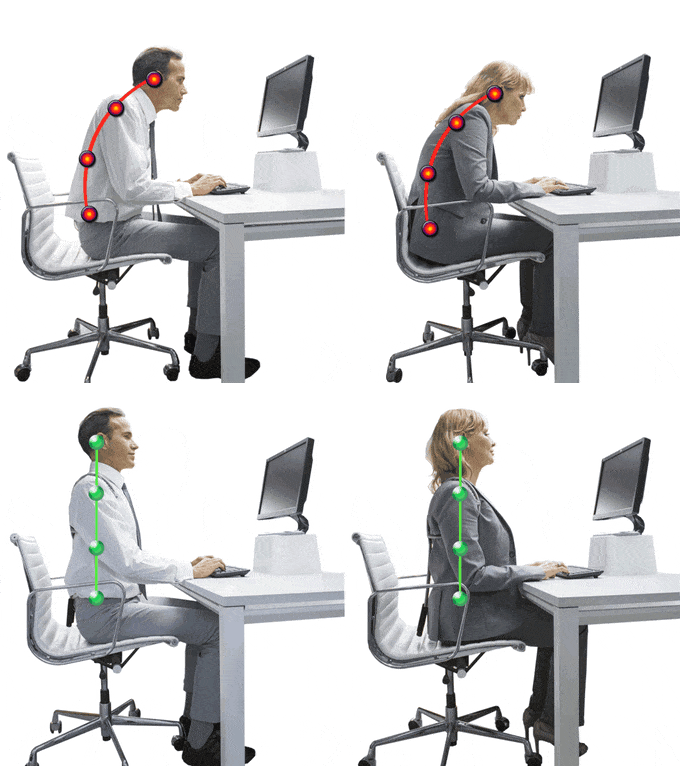
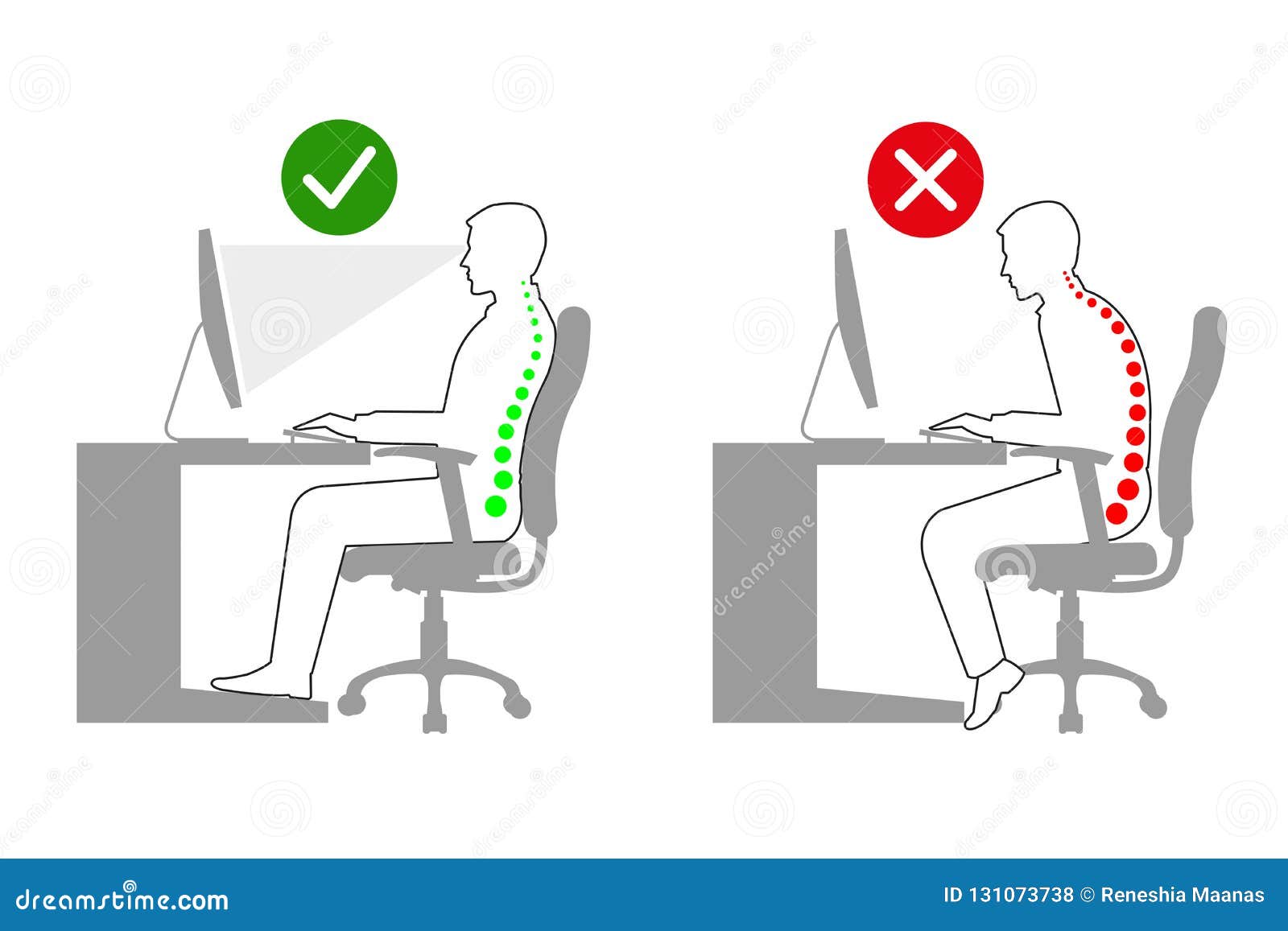
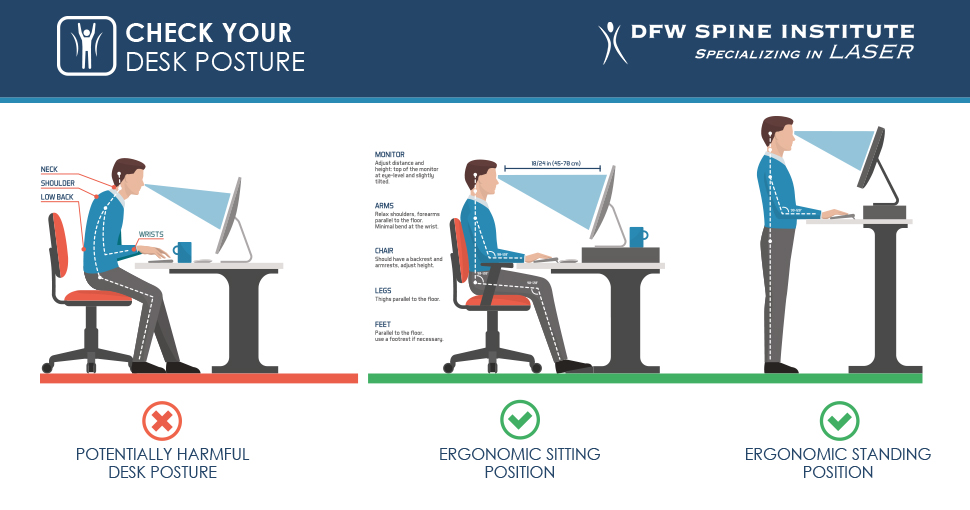
1. Neutral Spine Alignment: Maintain an upright posture, keeping your spine in a neutral position with ears, shoulders, and hips aligned. 2. Proper Foot Positioning: Place your feet flat on the floor or on a footrest to avoid straining your knees and ankles. 3. Adjustable Keyboard and Monitor Positioning: Position your computer screen directly in front of you, with the top of the monitor at eye level. Keep your keyboard close and your wrists straight, with your elbows at a 90-degree angle. 4. Back Support and Lumbar Stability