How to Set Up Your Linksys Router with a Modem: A Step-by-Step Guide
Setting up a Linksys router with a modem can seem like a daunting task, but it's actually quite straightforward. In this article, we'll walk you through the process of connecting your modem to the Linksys router and configuring the settings for a fast and reliable internet connection.
Step 1: Connect Your Modem to the Router
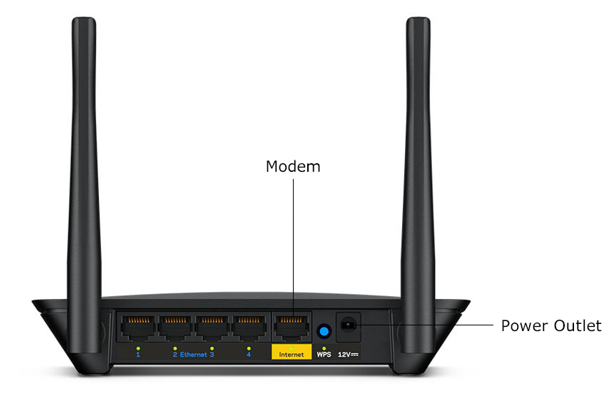
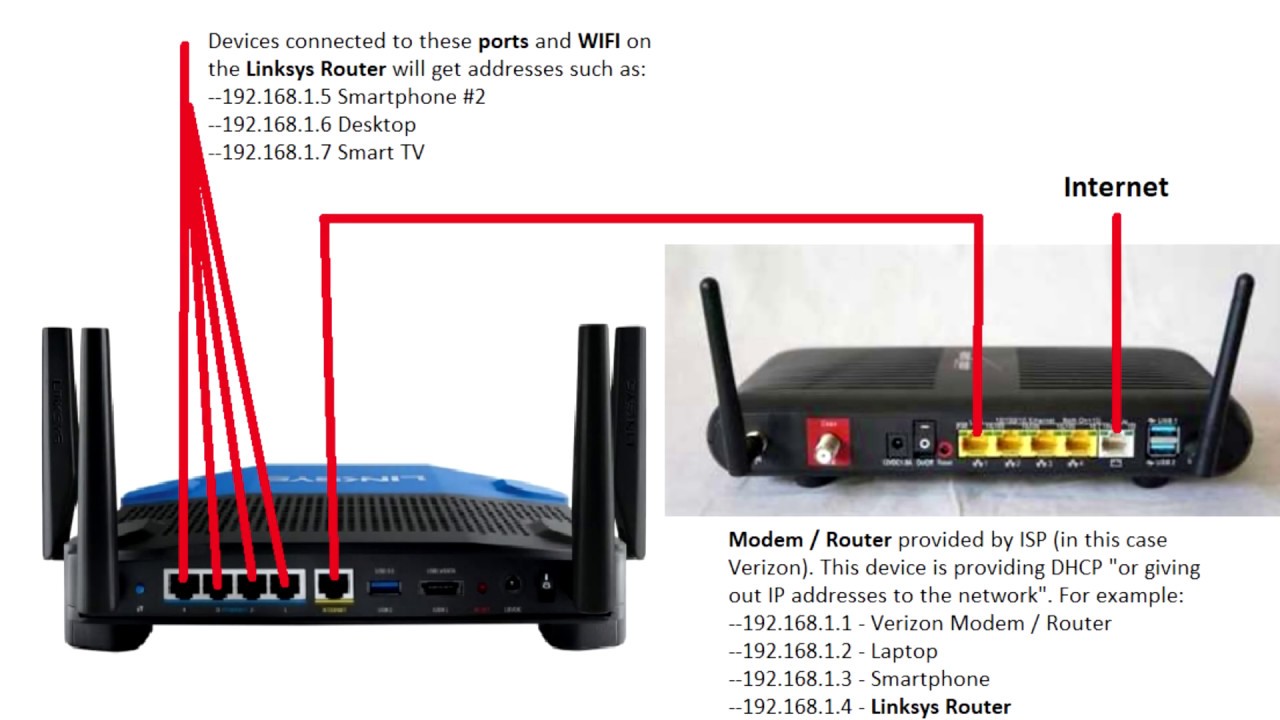
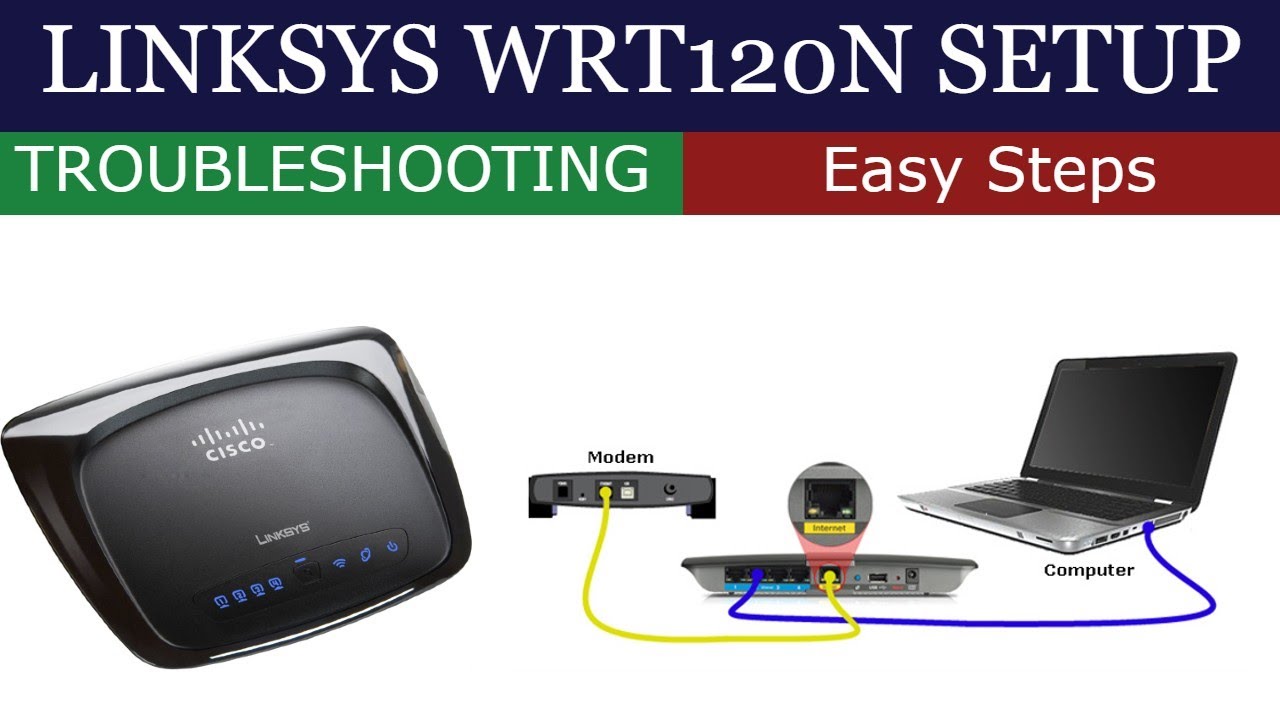
The first step in setting up your Linksys router with a modem is to connect the two devices. You'll need an Ethernet cable to connect your modem to the WAN (Internet) port on the router. Make sure the Ethernet cable is securely connected to both devices.
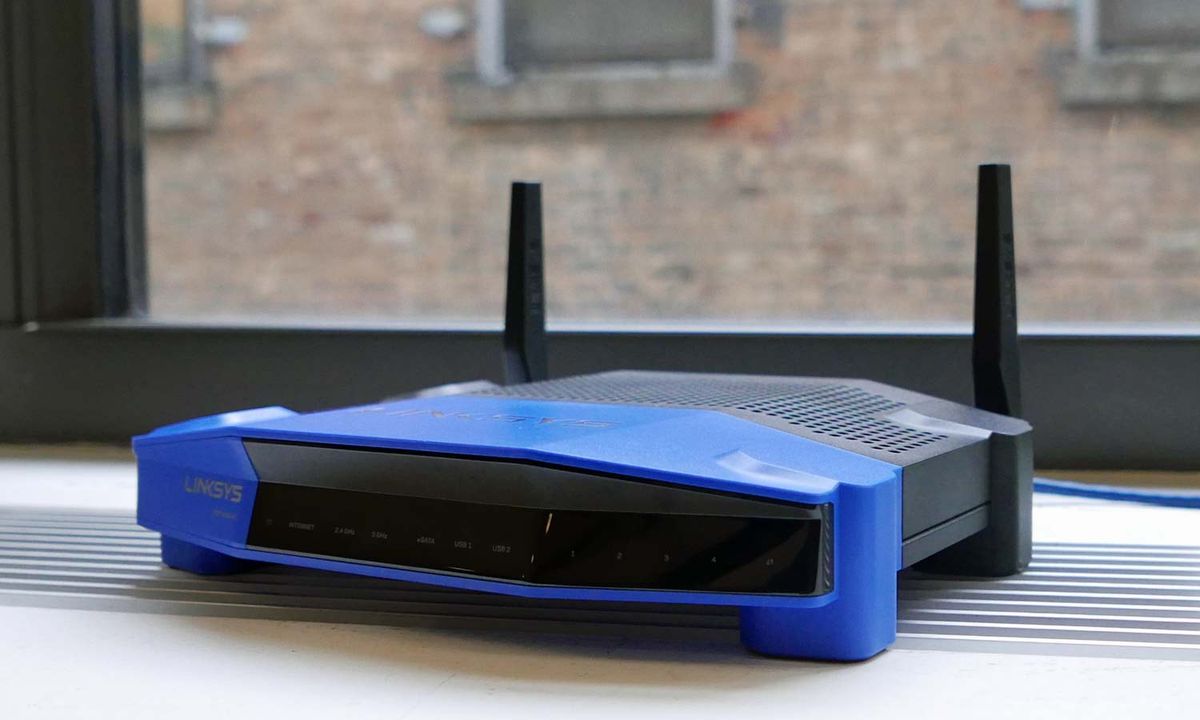
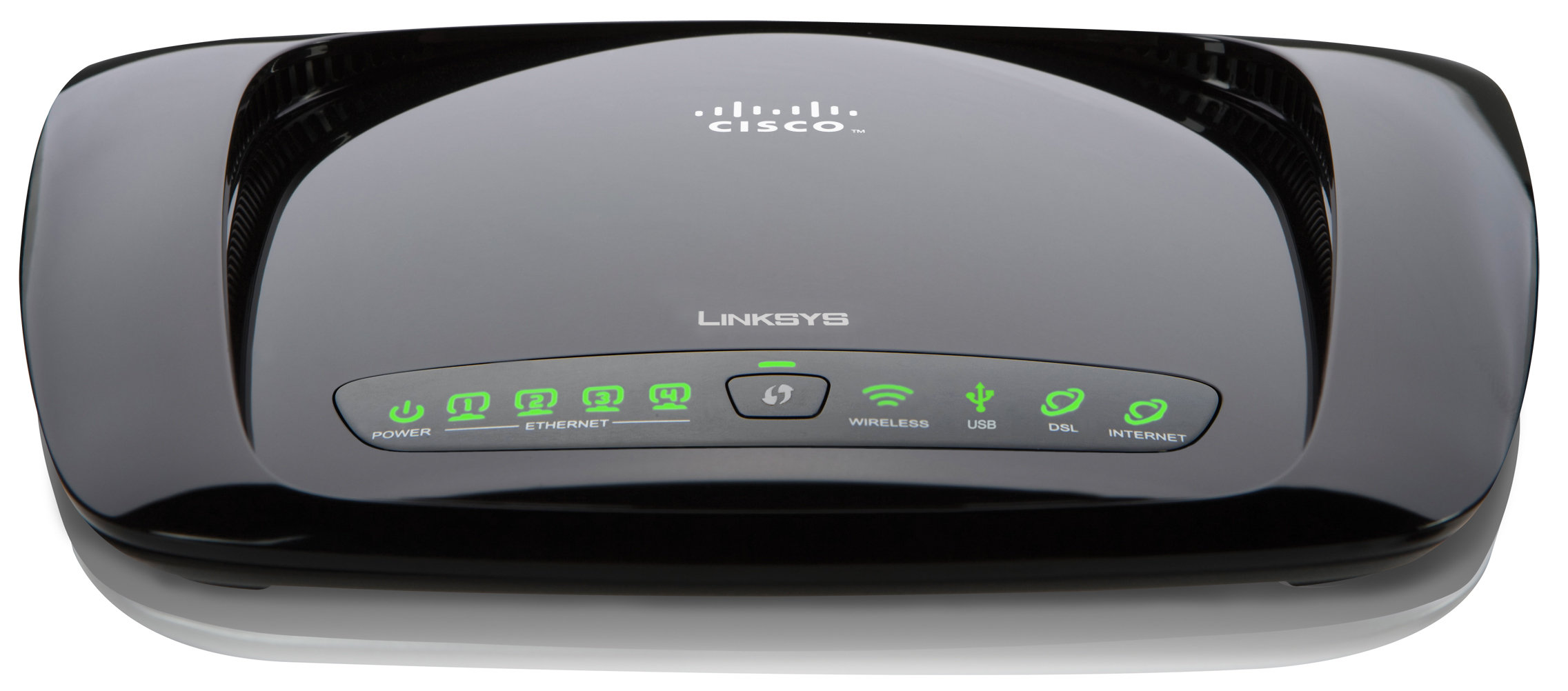
- Identify the WAN (Internet) port on the router, usually labeled with a legend or icon.
- Connect one end of the Ethernet cable to the WAN (Internet) port on the router.
- Connect the other end of the Ethernet cable to the modem.
Step 2: Connect Your Computer to the Router
Next, you'll need to connect your computer to the router. Use another Ethernet cable to connect your computer to any of the LAN ports on the router. This will allow you to access the router's web interface and configure the settings.
- Identify the LAN ports on the router, usually labeled with a legend or icon.
- Connect one end of the Ethernet cable to a LAN port on the router.
- Connect the other end of the Ethernet cable to your computer.
Step 3: Power On the Router
Turn on the Linksys router using the power button, if available. Wait for the router to boot up. This may take a few minutes.
Step 4: Access the Router's Web Interface
Once the router is booted up, open a web browser on your computer and type the router's IP address in the address bar. The default IP address for Linksys routers is usually 192.168.1.1 or 192.168.0.1. Enter the admin username and password to access the router's web interface.
- Open a web browser on your computer.
- Type the router's IP address in the address bar.
- Enter the admin username and password to access the web interface.
Step 5: Configure the Settings
Once you've accessed the web interface, you'll need to configure the settings for your internet connection. This includes setting the network name (SSID) and password for your wireless network, as well as configuring the wireless settings.
Secure Your Linksys Router Setup with a Linksys Smart WiFi Account
Creating a Linksys Smart WiFi account allows you to access the router's settings from anywhere using any browser, even when you're away from home. You can personalize your router and change settings for wireless access, Internet, gaming, local network, and more.
Fix Common Issues with Your Linksys Router Setup
Are you experiencing issues with your Linksys mesh WiFi system or adding child nodes to your network? This article provides troubleshooting tips to help you fix common problems.
Browse Our Collection of Articles on Linksys Router Setup
Whether you're looking to expand your network or troubleshoot common issues, we've got you covered. Browse our collection of articles on Linksys router setup and configuration.
With these simple steps, you'll be able to set up your Linksys router with a modem and enjoy fast and reliable internet connectivity. Happy networking!
Learn more about Linksys Router Setup at our official website.
Visit our router page for the latest and greatest in Linksys Wi-Fi routers and mesh systems.
Disclaimer:
This article is for informational purposes only and may not be applicable to all Linksys router models. Please consult the user manual for specific instructions on setting up your Linksys router.
References:
This article cited the following resources for information on Linksys router setup: