TikTok Seller Account Setup: A Step-by-Step Guide for News Sellers
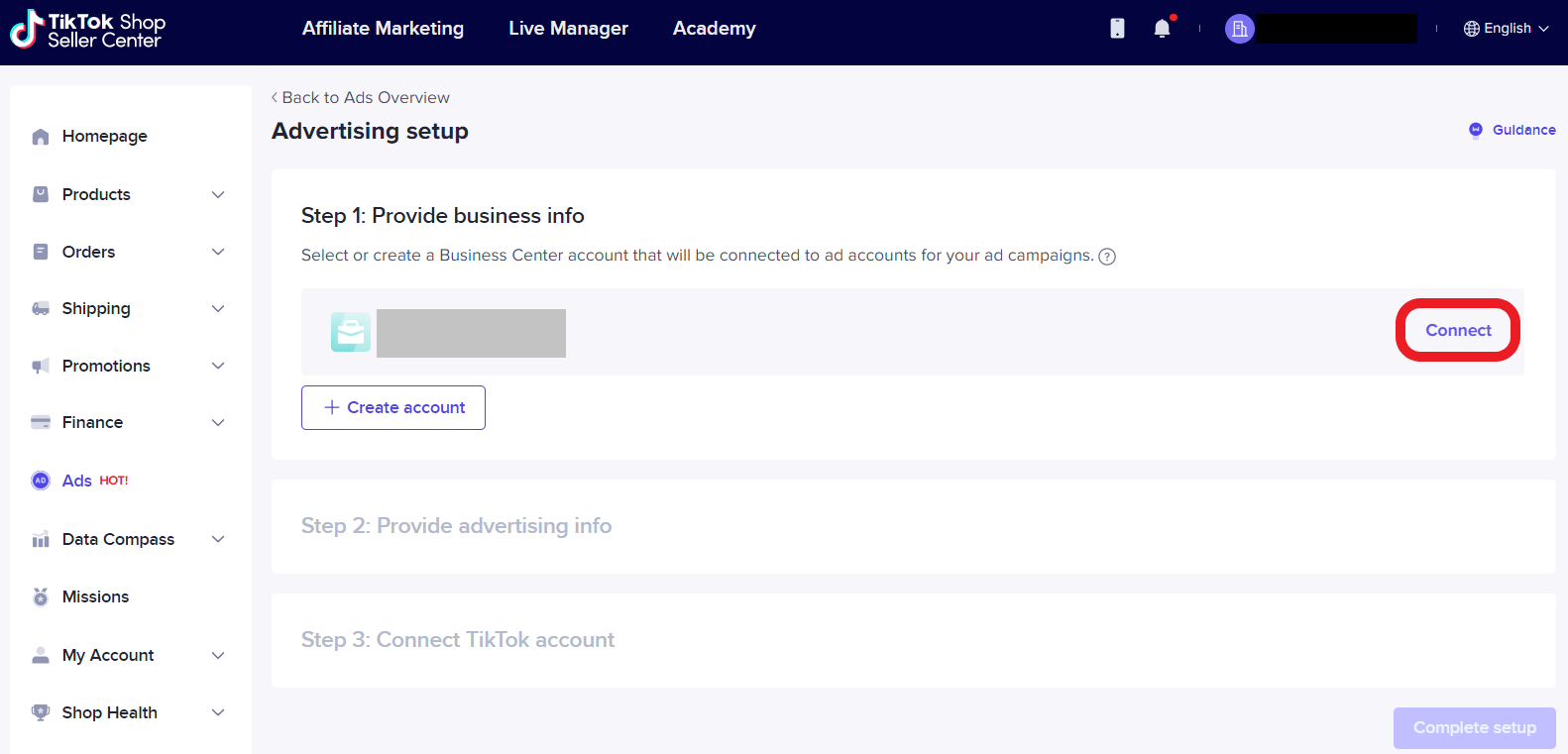
Are you a business owner looking to leverage the massive user base of TikTok, the popular short-form video-sharing platform, to reach new customers and increase sales? You're not alone! Many entrepreneurs are flocking to TikTok to create a presence for their business and tap into the lucrative e-commerce opportunities. But before you can start selling on TikTok, you need to set up your seller account correctly. In this article, we'll walk you through the process of setting up your TikTok shop, linking your TikTok account, configuring shipping and tax settings, and designing your shop to start selling successfully.
Eligibility for TikTok Seller Account Setup
Before you begin, make sure you meet the requirements to set up a TikTok seller account. You need to have a TikTok business account, which you can either create a new one with a new phone number or email or switch from your personal account. This is essential to unlock the Seller Center features. Keep in mind that TikTok has strict policies regarding identity verification, so ensure your account information matches your legal documents to avoid any rejection.
Step 1: Registration via Seller Center
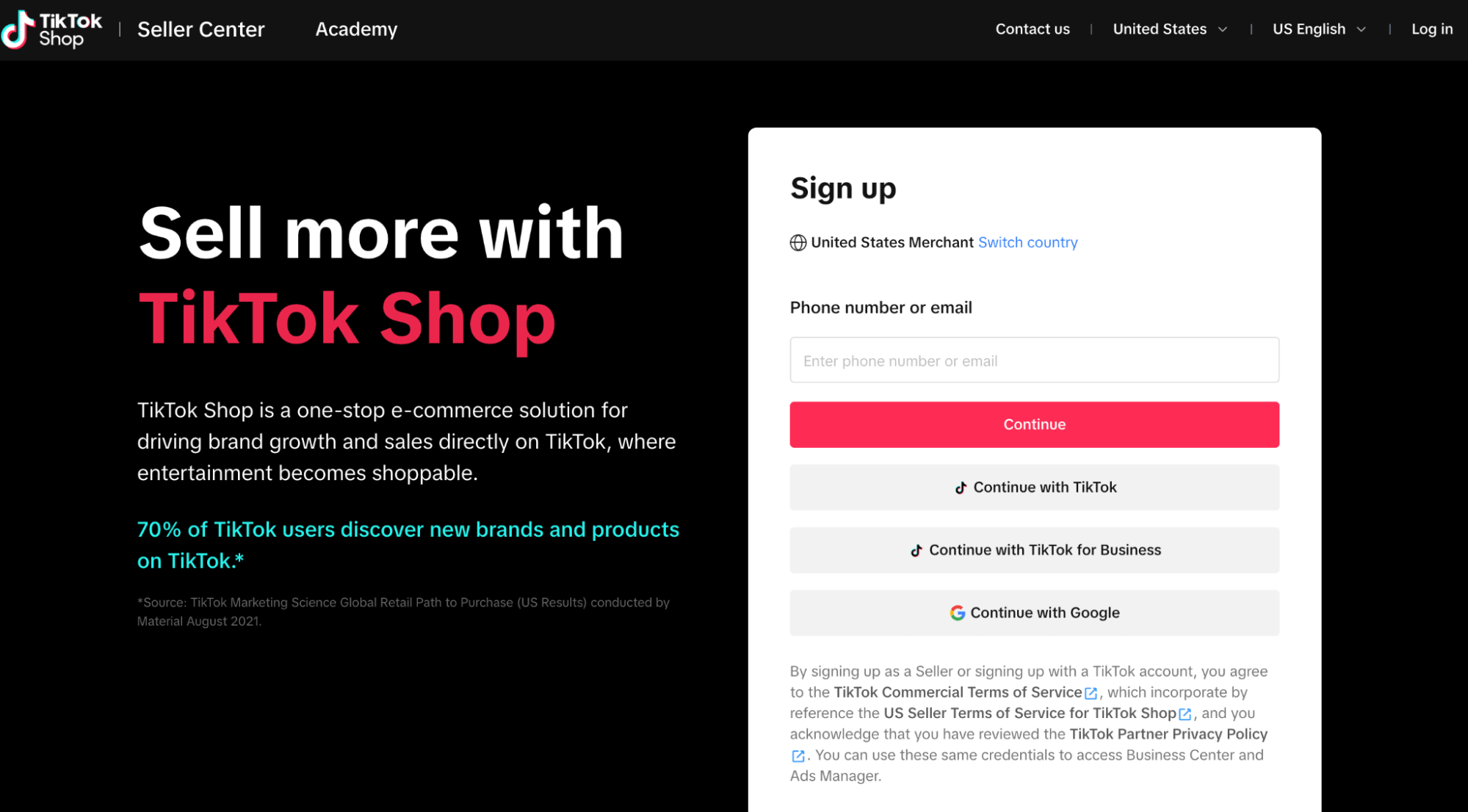
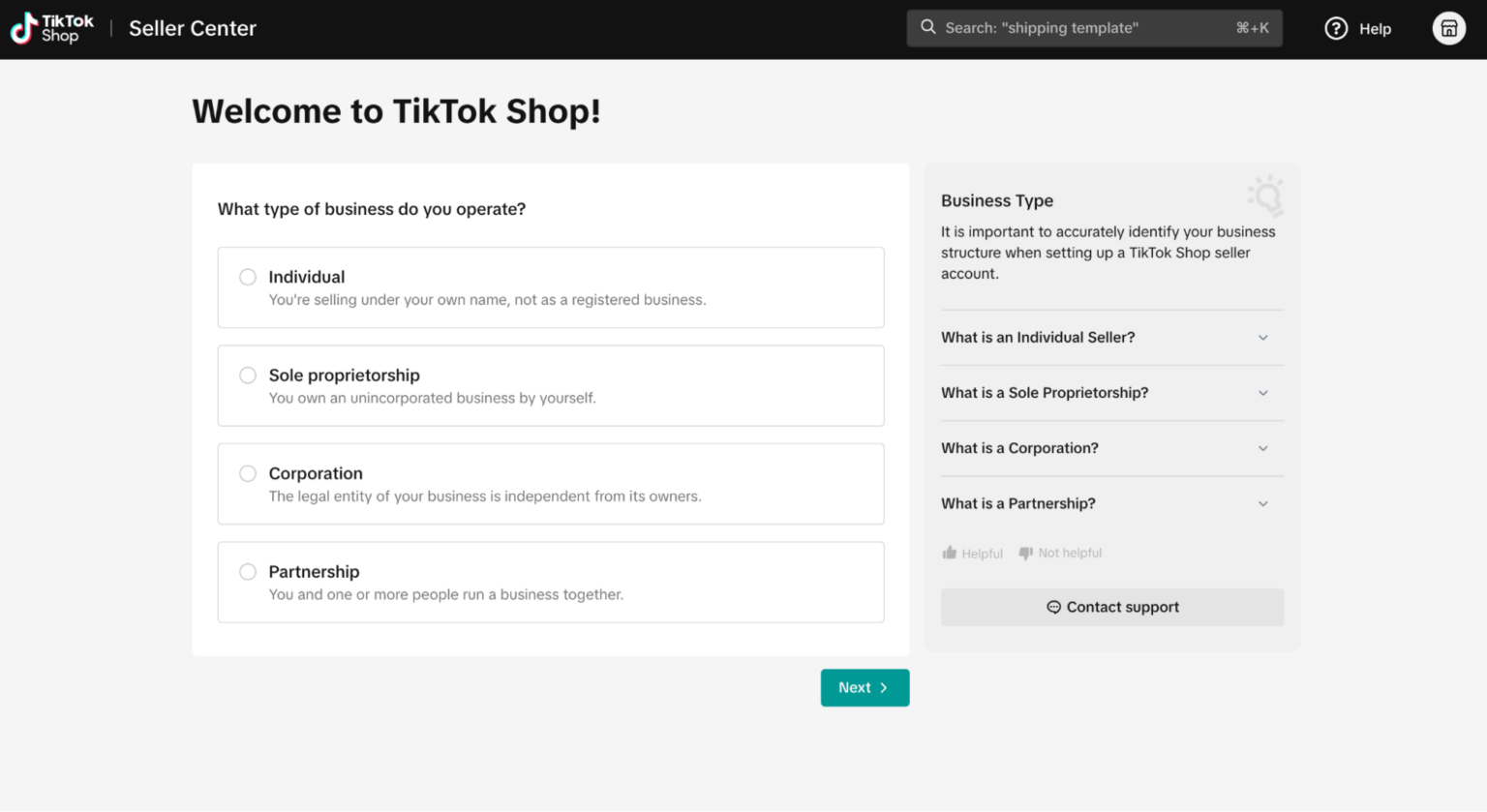
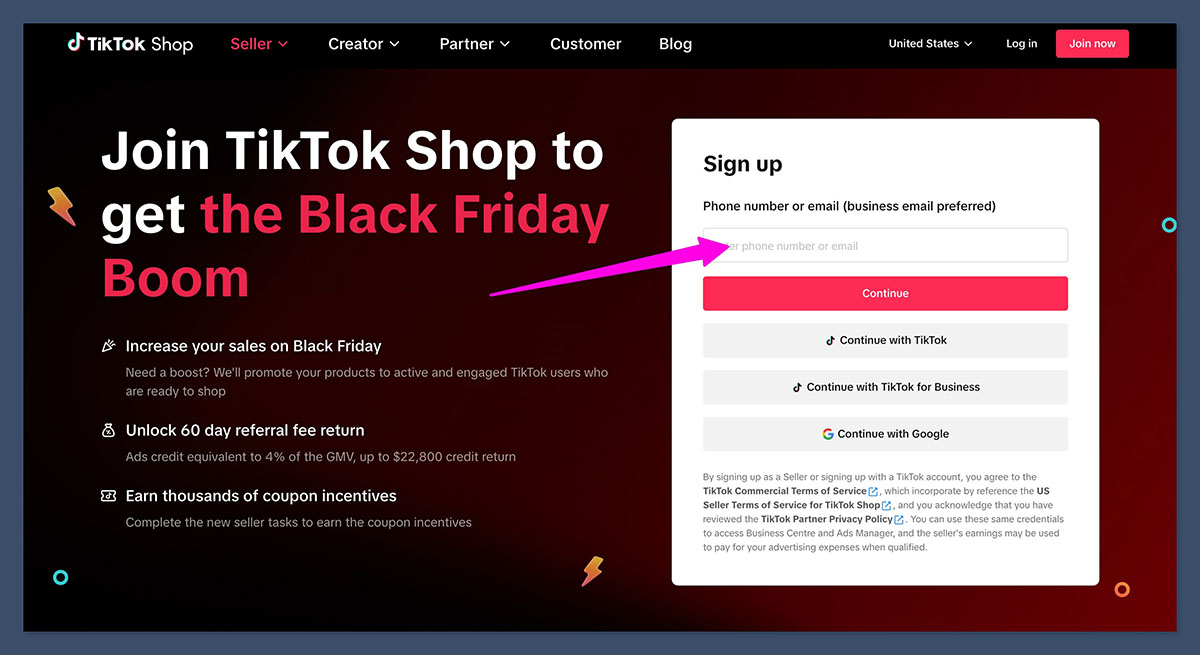
To start the TikTok seller account setup process, head over to the Seller Center and register your shop. You'll need to provide essential information, such as your business name, address, and tax identification number. Make sure to verify your identity with the required documents, including your government-issued ID, business registration documents, and tax certificates.
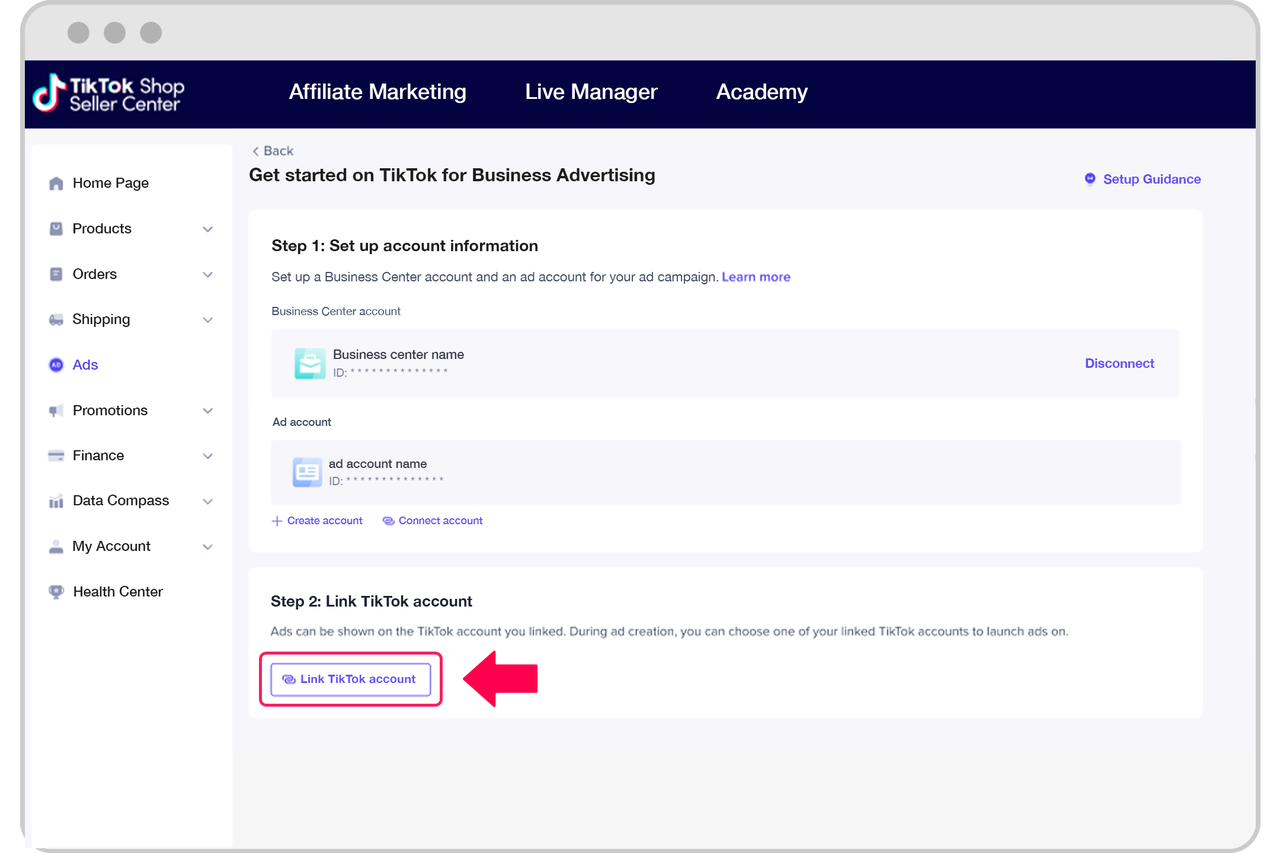
Step 2: Link Your TikTok Account
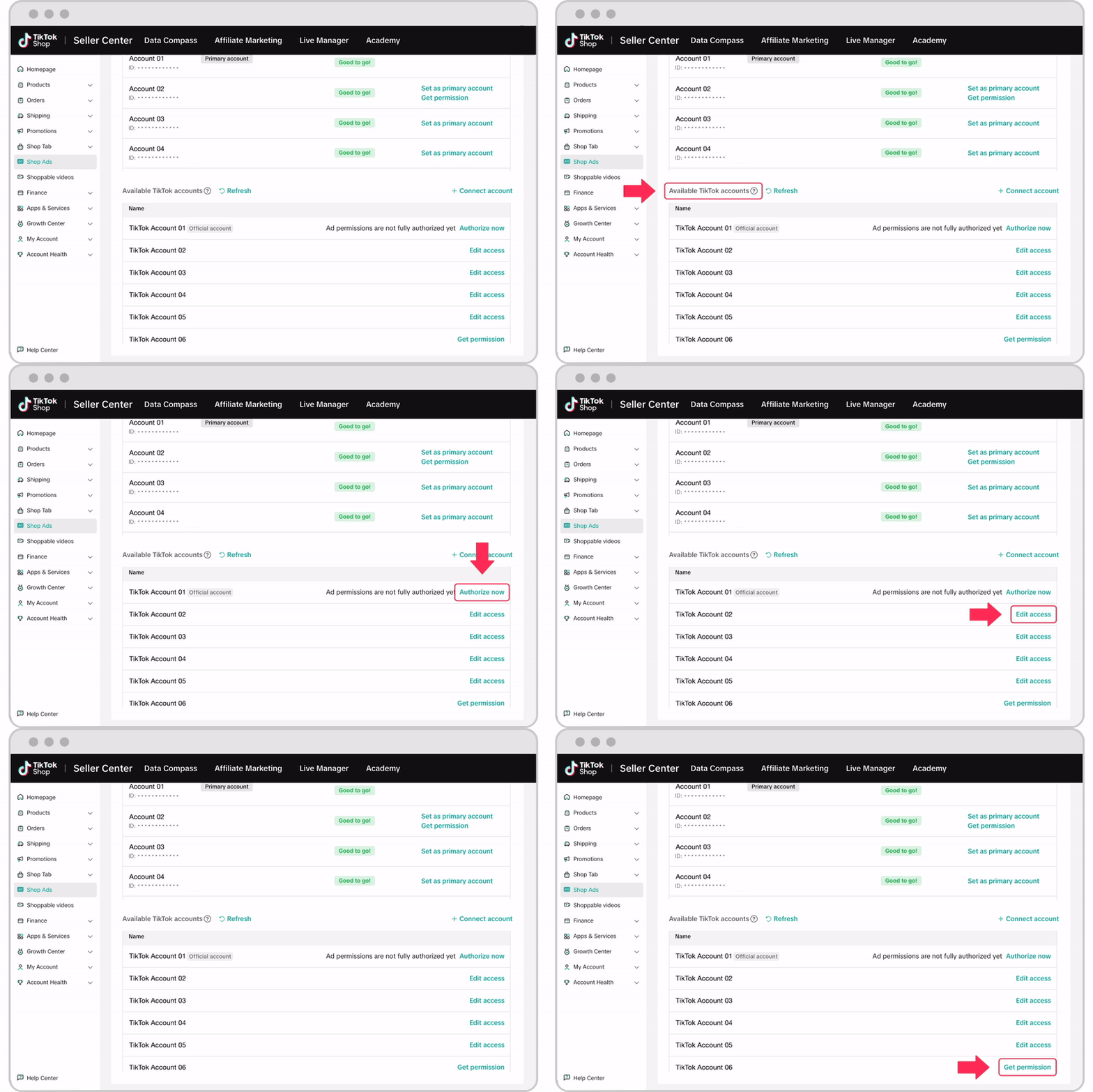
Once you've completed the registration process, link your TikTok account to your shop. This allows you to access the TikTok Seller Center and manage your shop settings, product listings, and analytics. Make sure you're using the same email address and phone number you used to create your TikTok business account.
Step 3: Configure Shipping and Tax Settings
After linking your TikTok account, configure your shipping and tax settings. You'll need to set up your shipping zones, rates, and policies, as well as your tax rates and invoices. This ensures that your shop is compliant with local tax laws and regulations.
Step 4: Design Your Shop
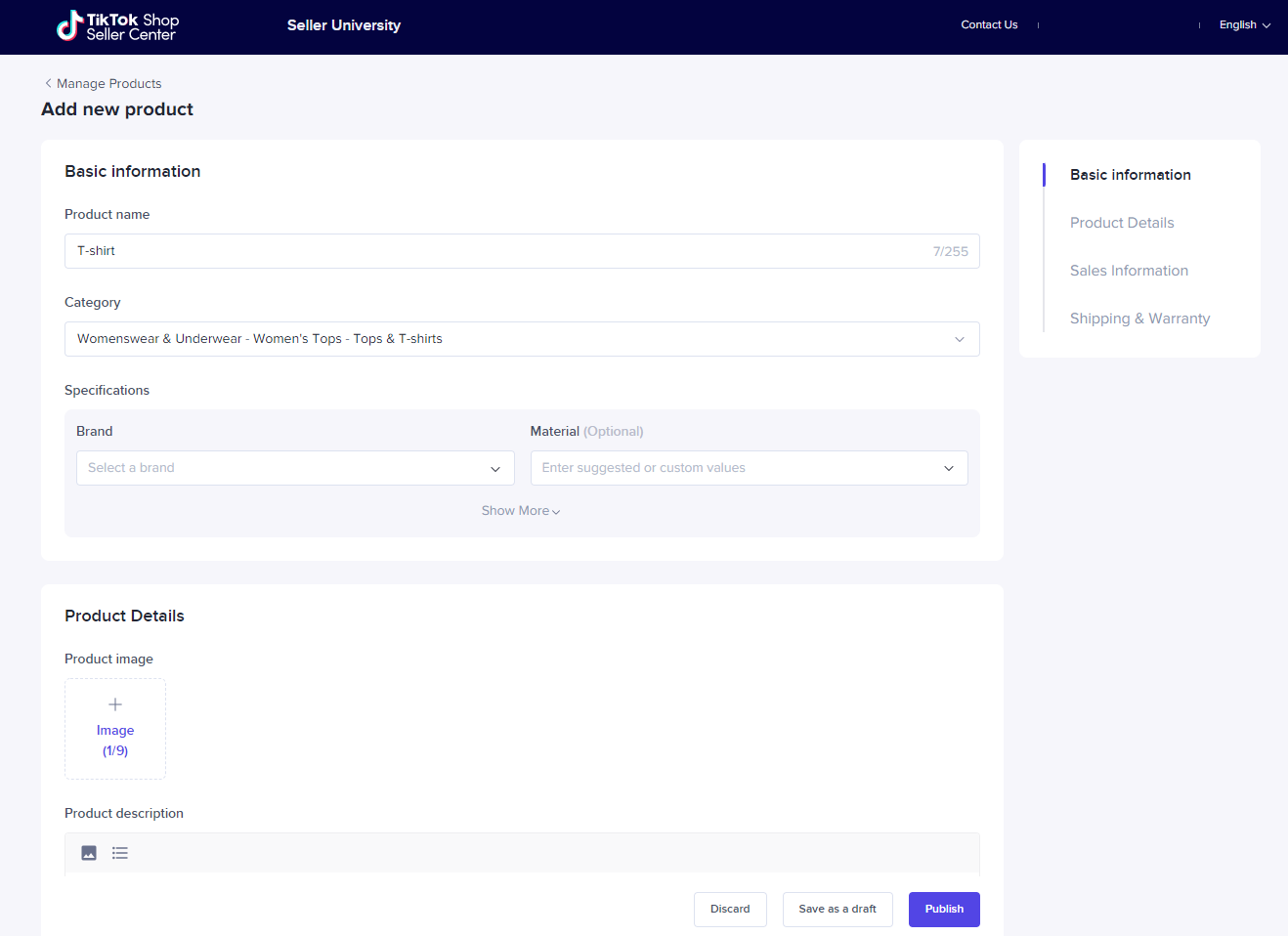
Now it's time to create engaging content and product listings that showcase your products and drive sales. From product details and pricing to product reviews and ratings, ensure your listings accurately represent your products.
Step 6: Launch and Promotion
With your shop set up and ready to go, launch a promotional campaign to drive traffic and attract your first customers. Share behind-the-scenes content, exclusive deals, and exciting offers to create buzz around your shop. Utilize TikTok's advertising options to reach a broader audience.
Common Mistakes to Avoid
Before we conclude, let's cover some common mistakes to avoid during the TikTok seller account setup process:
- Failure to meet the registration requirements, resulting in a rejected shop.
- Insufficient product listings and unclear product information, leading to poor customer engagement.
- Inadequate shipping and tax settings, resulting in non-compliance with regional regulations.
- Ignoring analytics and performance tracking, making it challenging to optimize shop performance.
Conclusion:
Setting up your TikTok shop requires attention to detail and a strategic approach. By following these steps and avoiding common mistakes, you'll be well on your way to creating a successful online store that drives sales and expands your customer base. Don't miss out on the opportunities TikTok has to offer – start setting up your seller account today!
Additional Resources:
Grow Your Business on TikTok Shop
Still unsure about setting up your TikTok shop or growth strategy? Explore our comprehensive guide on clickable TikTok shop features, creator affiliates, live commerce, ads, and scaling strategies for DTC brands to boost your online presence and drive sales.