Wireless Network Settings for Libraries: A Guide to Implementation and Security
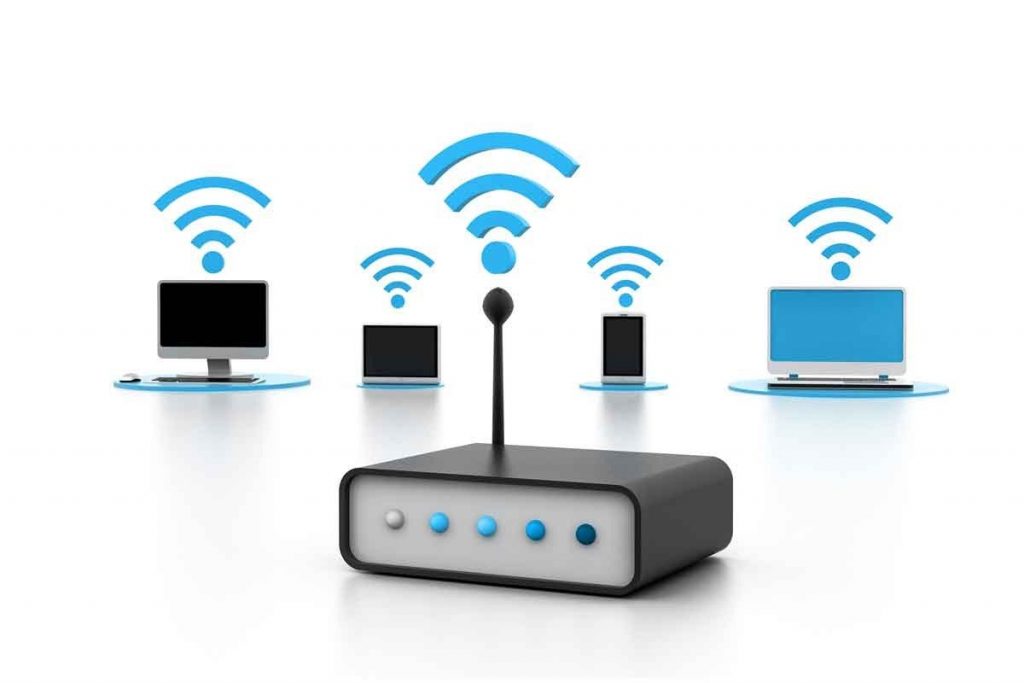
The modern public library is a hub of digital learning and collaboration, and wireless network connectivity is an essential component of this environment. In this article, we will explore the importance of wireless network settings for libraries, the challenges of implementation, and provide tips for securing your library's wireless network.
Importance of Wireless Network Settings for Libraries
In today's digitized world, libraries rely on wireless connectivity to provide patrons with access to digital resources, such as online databases, e-books, and multimedia content. A well-configured wireless network settings for libraries can enhance the user experience, increase productivity, and promote digital inclusion. By providing a reliable and secure wireless network, libraries can encourage patrons to use digital resources, access online educational materials, and engage in collaborative activities.
Challenges of Implementing Wireless Network Settings for Libraries
Implementing a wireless network in a library setting can be challenging due to the unique spatial constraints of the building, interference from other electronic devices, and the need for a secure network. Library technologists must navigate these challenges to ensure a robust and reliable wireless network that meets the needs of patrons and staff.
Key Considerations for Wireless Network Settings for Libraries
- Security: A secure wireless network is essential to protect patron data and prevent unauthorized access to the network.
- Interference: Managing interference from other electronic devices, such as cordless phones and microwaves, can impact wireless network performance.
- Network Planning: A thorough network plan should be developed to ensure adequate coverage and optimal placement of access points (APs).
- Device Management: Ensuring that patrons' devices are configured to connect to the library's wireless network is crucial to maintaining a secure and stable connection.
Best Practices for Wireless Network Security
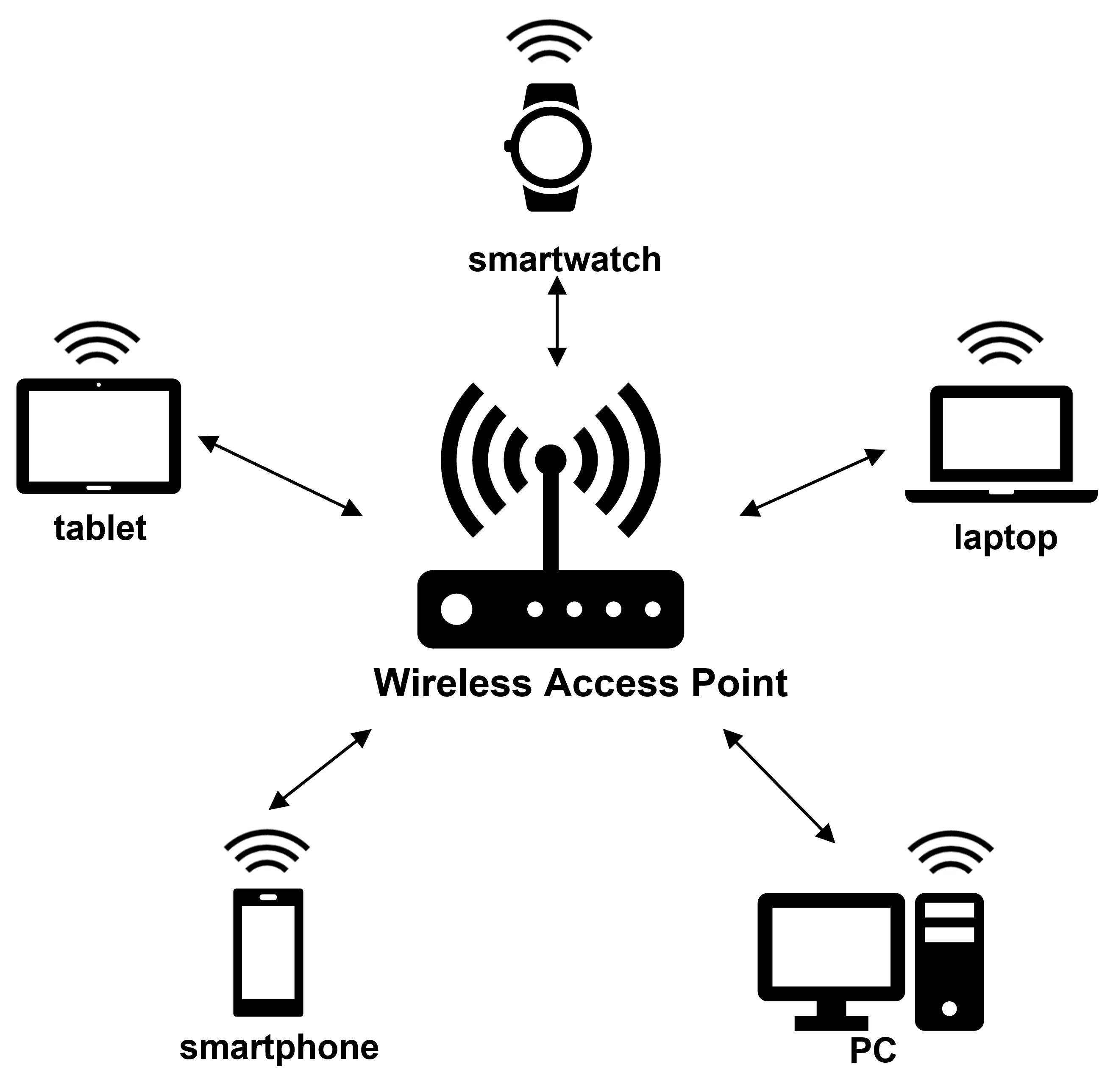
Wireless network security is critical in a library setting, where patrons are accessing sensitive information and personal data. Follow these best practices to secure your library's wireless network:
- Use WPA2 encryption (or WPA3 if your devices support it)
- Change default passwords and network names (SSID)
- Set up a guest network for patrons to prevent them from accessing the main network
- Regularly update firmware and software for your access points and network devices
- Implement a guest network access policy to regulate guest access
Deploying a Smooth Wireless Network for Patrons
To ensure a seamless patron experience, consider the following:
- Conduct regular site surveys to identify areas with weak coverage
- Implement roaming and load balancing to optimize network performance
- Configure devices to automatically connect to the library's wireless network
- Develop clear guidelines for patron use of the wireless network
Conclusion
Wireless network settings for libraries are a vital component of modern library infrastructure. By understanding the importance of security, managing interference, and implementing a robust network plan, library technologists can provide a reliable and secure wireless network for their patrons. By following the best practices outlined in this article, libraries can ensure a seamless user experience and promote digital inclusion in their communities.