Configuring 6G Router for Security Best Practices: Essential Steps to Secure Your Home Network
As the importance of cybersecurity continues to grow, setting up your home Wi-Fi router for security best practices is crucial to optimize your privacy and security. Without proper configuration, your router can introduce unnecessary cybersecurity risks that cyber threat actors can exploit to perform malicious operations. In this article, we will provide the minimum essential steps to configure your 6G router for security best practices and ensure your network stays secure.
Understanding the Problem
Setting up your home Wi-Fi router without proper security measures can leave your network exposed to cyber threats. Cybercriminals can take advantage of weak spots in your smart home and connected devices, compromising your network and personal data. The good news is that by following these security best practices, you can minimize the risk of a cyber attack and keep your network protected.
Planning and Design
When planning your 6 GHz network, it's essential to evaluate and design your network to optimize performance at 6 GHz. This includes understanding spectrum management and network design strategies to ensure your network is secure and efficient. By following best practices, you can ensure that your network is set up for success and provides the best possible experience for all users.
Configuring for Security Best Practices
When configuring your 6G router, consider the following security best practices:
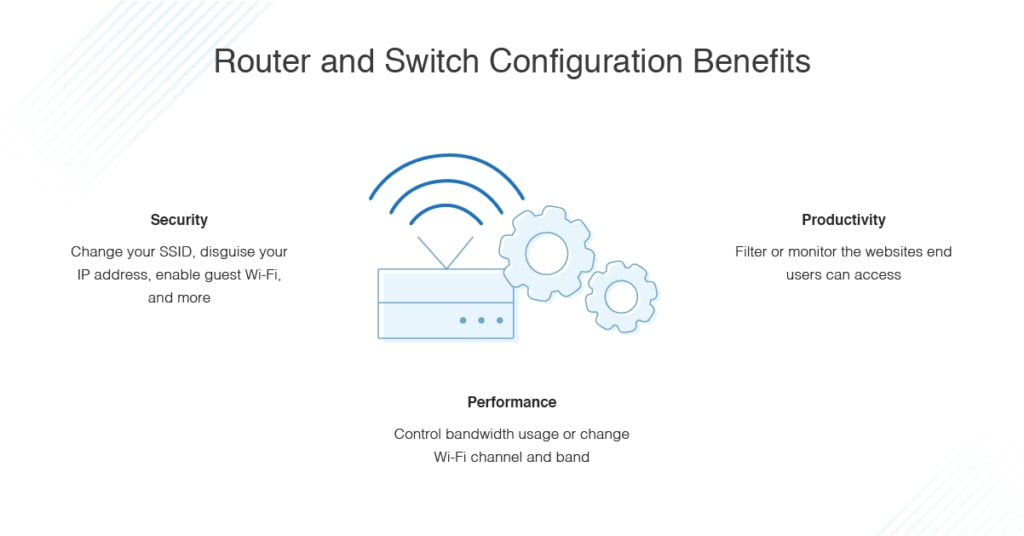
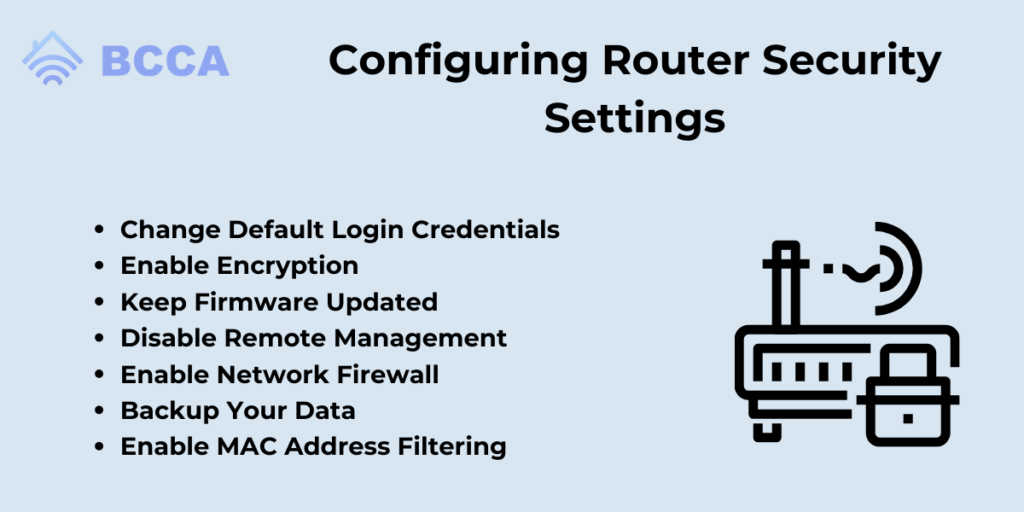
- Enable WPA3 encryption: WPA3 is the latest encryption protocol that provides the highest level of security for your WiFi network.
- Change default admin username and password: Change the default admin username and password to prevent unauthorized access to your router.
- Change default SSID and channel: Change the default SSID and channel to prevent your router from broadcasting its presence to the world.
- Enable MAC address filtering: Enable MAC address filtering to restrict access to only authorized devices.
- Set up a guest network: Set up a guest network to segregate visitors' devices from your main network.
- Use a VPN: Consider using a VPN to encrypt all network traffic and protect data in transit.
- Keep your router firmware up-to-date: Regularly update your router firmware to patch security vulnerabilities.
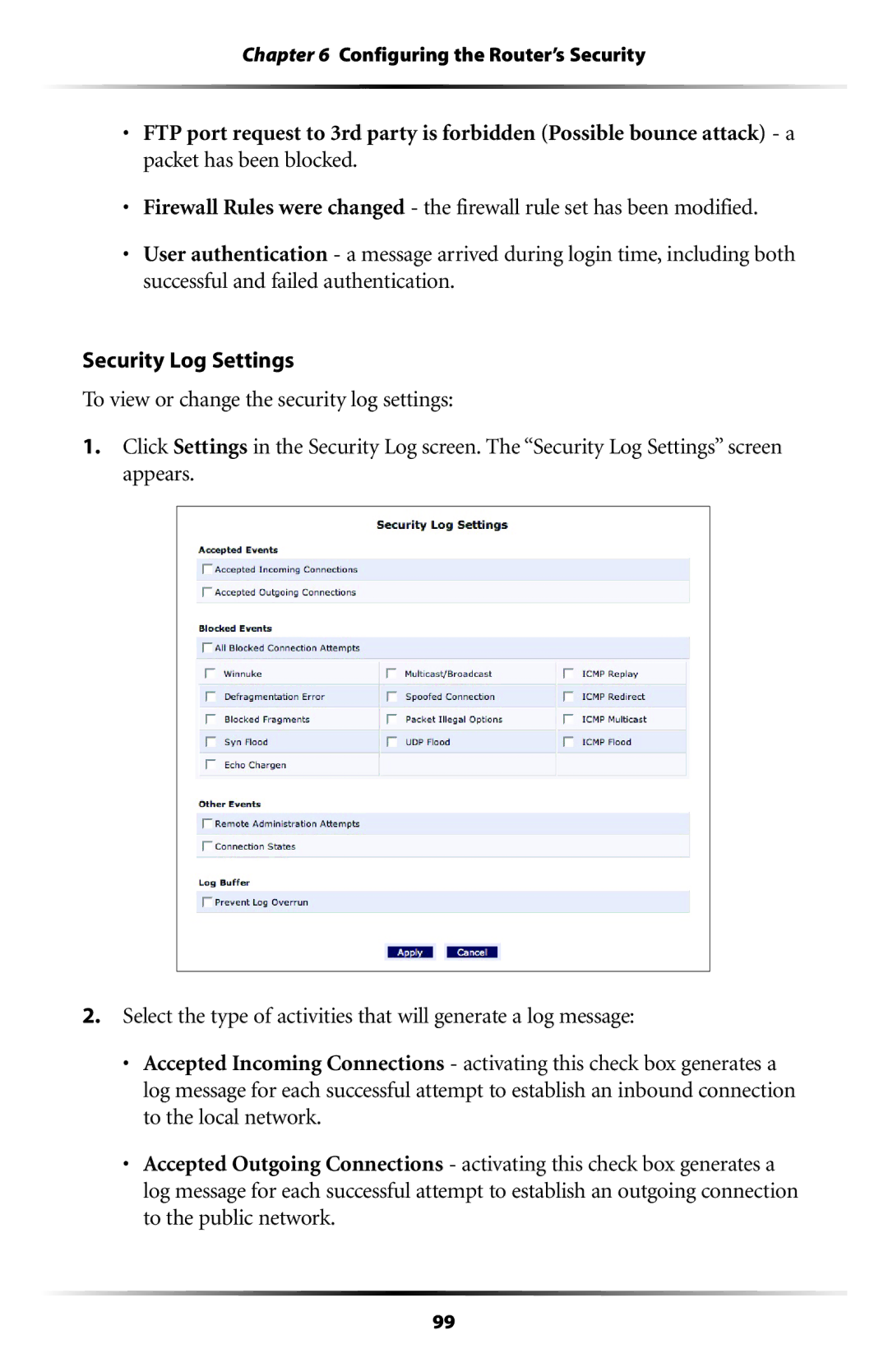
- Configure firewall settings: Configure your firewall to block unauthorized incoming and outgoing traffic.
Additional Tips
Here are some additional tips to consider when configuring your 6G router for security best practices:
- Perform a network scan: Perform regular network scans to detect potential security vulnerabilities.
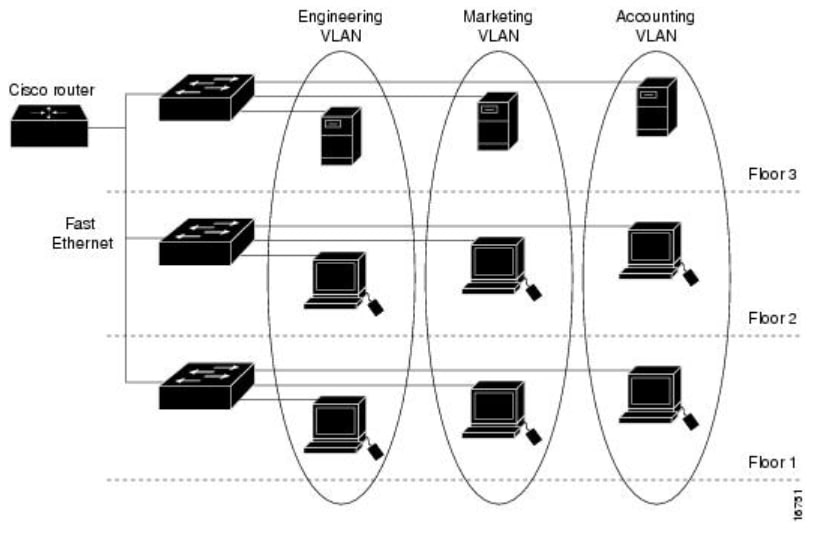
- Use a network segmentation: Segment your network to isolate sensitive data and devices.
- Implement a password manager: Use a password manager to generate and store complex passwords.
- Back up your data: Regularly back up your data to prevent loss in case of a security breach.
Conclusion
In conclusion, configuring your 6G router for security best practices is a crucial step in maintaining the security and integrity of your home network. By following these essential steps and tips, you can ensure your network is secure and protected from cyber threats. Remember to regularly update your router firmware, perform network scans, and use a VPN to encrypt network traffic. By taking these steps, you can minimize the risk of a cyber attack and keep your network secure.